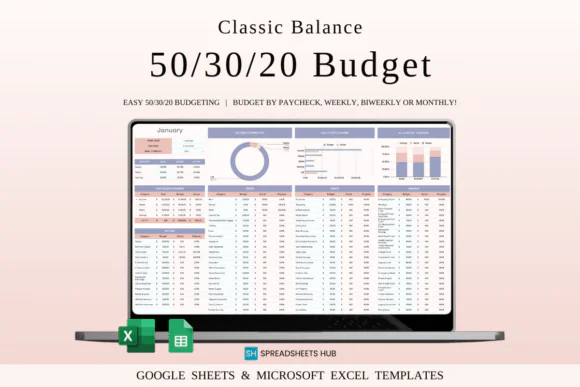
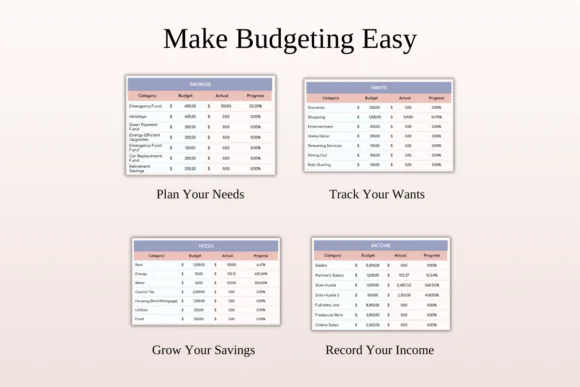
Manage your money with clarity and confidence using this 50/30/20 Monthly Budget Spreadsheet for Excel and Google Sheets. This easy-to-use budgeting template is designed around the popular 50/30/20 rule, helping you divide your income into three simple categories: needs, wants, and savings or debt repayment.
Instead of feeling confused about where your money should go each month, this spreadsheet gives you a clear structure for planning your income, tracking expenses, building savings, and managing debt. It is perfect for beginners, young professionals, families, students, freelancers, and anyone who wants a simple but effective budgeting system.
The 50/30/20 method helps you balance responsible financial planning with everyday living. It gives space for essential expenses, lifestyle spending, and long-term financial growth. With automated calculations, customizable categories, and a clean dashboard, this spreadsheet makes monthly budgeting easier, more visual, and less stressful.
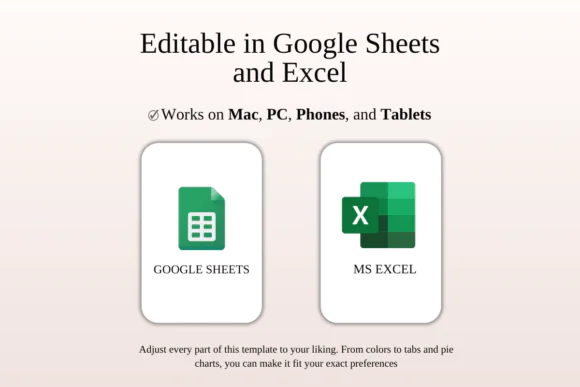
Compatible with both Microsoft Excel and Google Sheets, this template can be used online or offline and customized to fit your personal financial goals.
What Is the 50/30/20 Budget Rule?
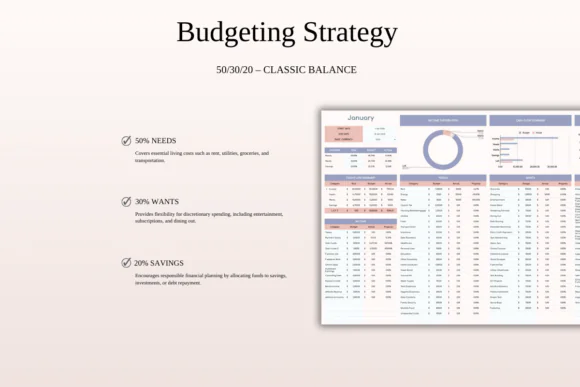
The 50/30/20 rule is a simple budgeting method that divides your income into three main categories:
50% Needs – Essential expenses such as rent, mortgage, groceries, utilities, transportation, insurance, and basic living costs.
30% Wants – Lifestyle and non-essential spending such as dining out, entertainment, subscriptions, shopping, hobbies, and travel.
20% Savings and Debt Repayment – Money for savings, emergency funds, investments, retirement planning, extra debt payments, and long-term financial security.
This spreadsheet helps you apply this method in a practical way by organizing your income and expenses into these categories.
What You Can Use This Spreadsheet For
Use this 50/30/20 budget planner to:
Key FeaturesAutomated 50/30/20 Budget Calculations
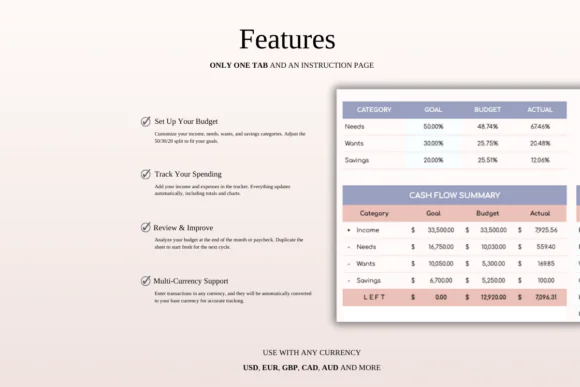
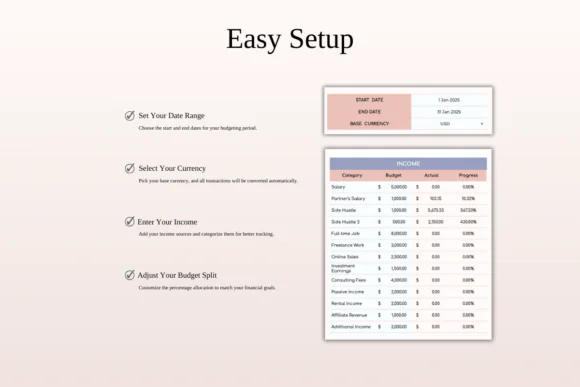
Simply enter your income, and the spreadsheet helps divide your budget into needs, wants, and savings or debt repayment categories.
Needs, Wants, and Savings Tracking
Track your spending according to the 50/30/20 method so you can clearly see whether your money is aligned with your budget goals.
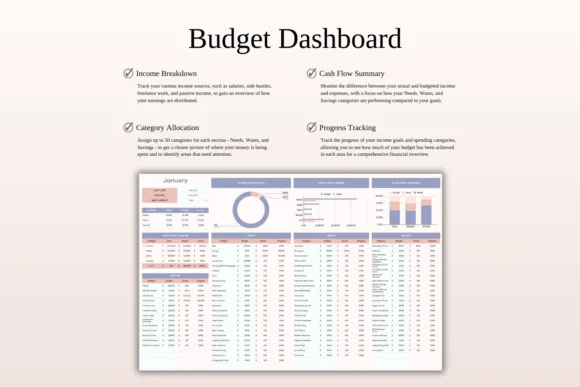
Monthly Budget Dashboard
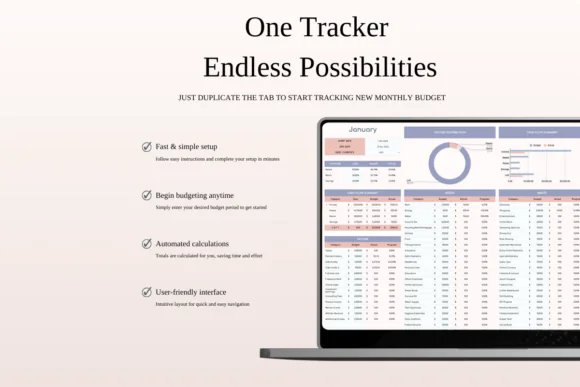
A clean financial dashboard gives you a simple overview of your income, expenses, savings, debt repayment, and overall budget progress.
Customizable Categories
Edit budget categories and adjust percentages based on your personal financial situation, lifestyle, income level, and goals.
Income and Expense Tracker
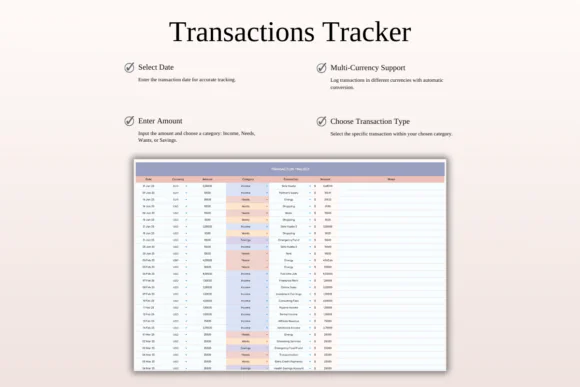
Record income and expenses in one organized place to understand your monthly financial activity clearly.
Savings and Debt Repayment Planner
Make savings and debt reduction a regular part of your budget by tracking progress toward financial stability.
Beginner-Friendly Layout
The spreadsheet is designed to be simple, visual, and easy to understand, even if you are new to budgeting.
Excel and Google Sheets Compatible
Use the template in Microsoft Excel or Google Sheets, depending on your preferred platform.
What’s Included
You will receive:
Perfect For
This 50/30/20 budget spreadsheet is ideal for:
Why You’ll Love This Budget Spreadsheet
This spreadsheet makes budgeting simple by giving every part of your income a purpose. The 50/30/20 structure helps you cover essentials, enjoy life responsibly, and still make progress toward savings and debt goals.
It is flexible enough to adjust to your needs but structured enough to keep you focused. Whether you are trying to save for an emergency fund, reduce debt, manage household spending, or stop overspending, this template helps you make better financial decisions month after month.
How It Works
Important Notes
This is a digital download product. No physical item will be shipped.
You will need access to Google Sheets or Microsoft Excel to use this template. A Google Account is required for Google Sheets, and Microsoft Excel software is required for the Excel version.
For the best editing experience, a desktop or laptop is recommended.
Due to the nature of digital products, refunds may not be available after purchase.
Colors may appear slightly different depending on your screen, monitor, tablet, or phone display settings.
Published:
Apr 24, 2026 11:57 AM
Category:
Tags: