Start managing your money with clarity and simplicity using this Minimalist Budgeting Starter Spreadsheet Bundle for Excel and Google Sheets. Designed for beginners, minimalists, busy individuals, and anyone who wants a clean approach to personal finance, this starter pack gives you the essential tools needed to budget better without complicated systems.
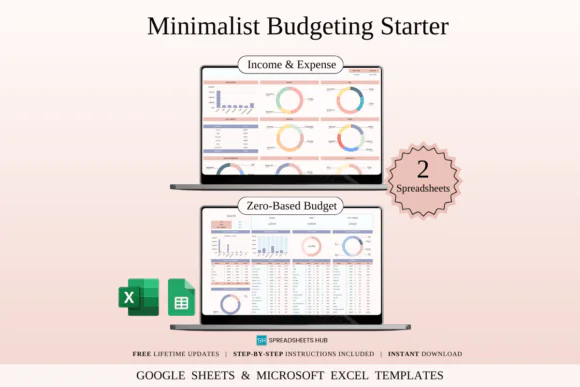
This bundle is perfect for people who want to take control of their finances but do not want overwhelming dashboards, complex apps, or messy spreadsheets. It includes two practical budgeting tools: a Zero-Based Budget Planner and an Income & Expense Tracker. Together, these templates help you plan your money, track spending, organize income, and build better financial habits from the beginning.
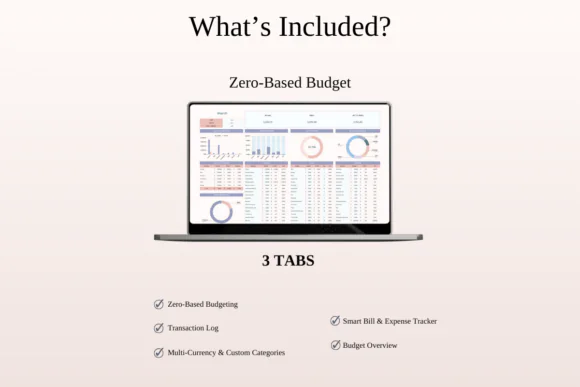
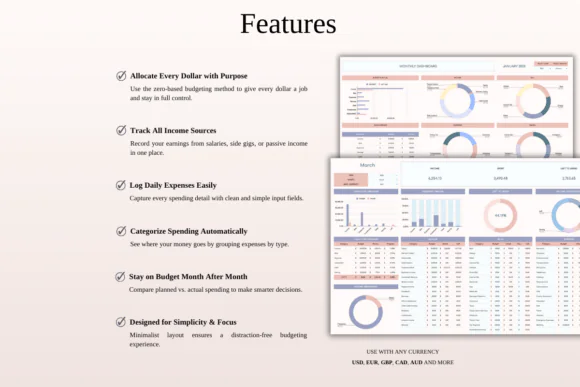
The Zero-Based Budget Planner helps you assign every dollar to a purpose before the month begins. This method gives your money a clear job, whether it goes toward bills, groceries, savings, debt payments, emergency funds, or personal spending. It helps you stay intentional and avoid wondering where your money went.
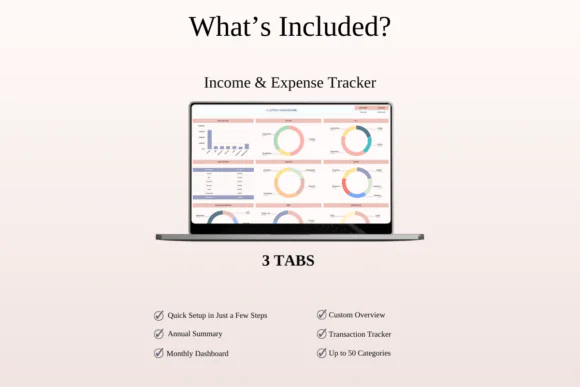
The Income & Expense Tracker gives you one simple place to record earnings and spending. By tracking all income and expenses clearly, you can understand your habits, identify unnecessary spending, and make smarter financial decisions over time.
This spreadsheet bundle is fully editable in Microsoft Excel and Google Sheets, making it flexible and easy to customize based on your personal budgeting needs. It includes sample versions with mock data and blank versions so you can understand how each template works before adding your own financial information.
What’s Included
Templates Included
Key Features
Perfect For
The Minimalist Budgeting Starter in Excel is a simple and practical finance toolkit for anyone ready to begin budgeting with less stress and more clarity. With a zero-based budget planner and income expense tracker included, this bundle helps you stay focused, organized, and confident while building stronger money habits.
Published:
Apr 25, 2026 09:43 AM
Category:
Tags: