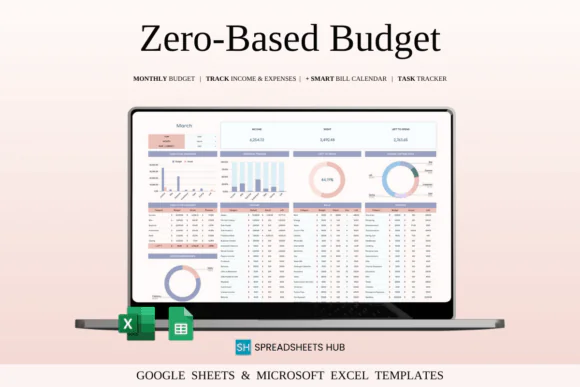
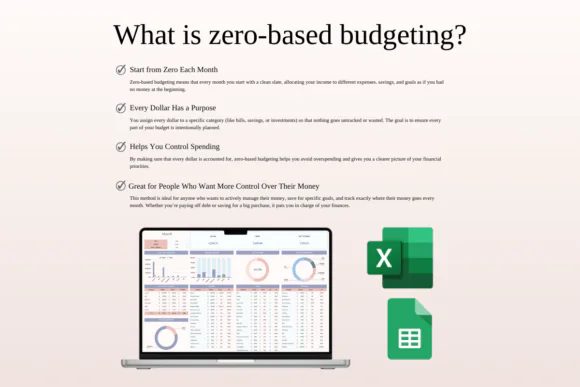
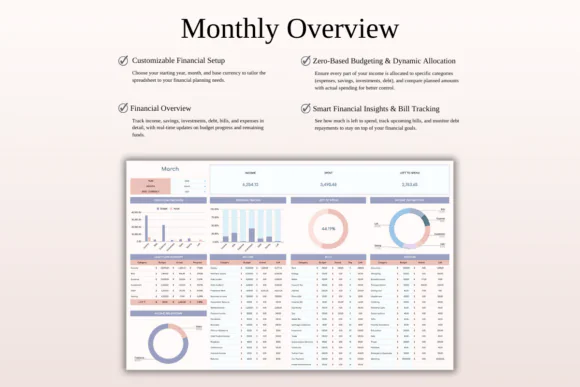
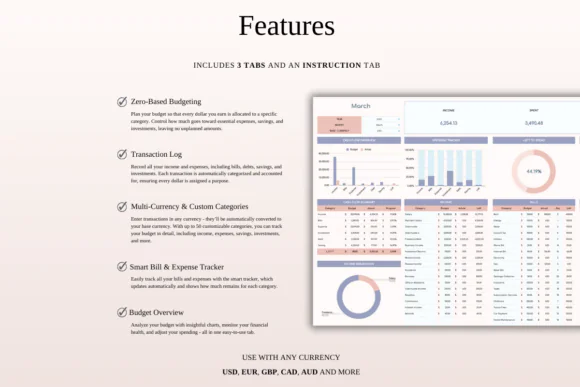
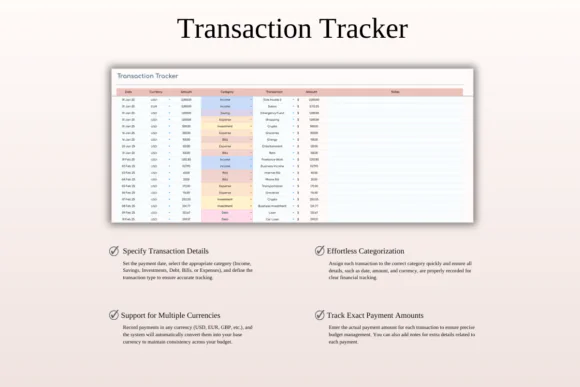
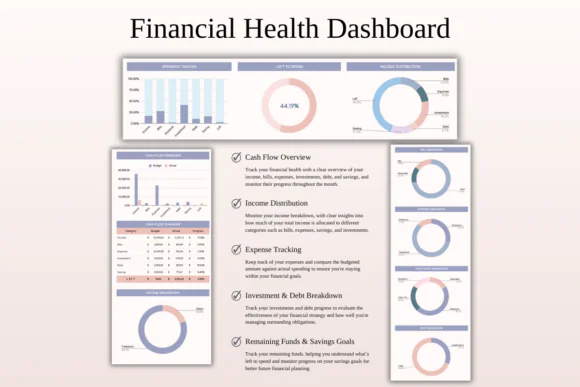
Take full control of your money with this Zero-Based Budget Spreadsheet Template for Excel and Google Sheets. This practical budgeting tool is designed to help you assign every dollar of your income to a specific purpose before the month begins, giving you a clear plan for expenses, bills, savings, debt repayment, and investments.
Zero-based budgeting is a powerful method for anyone who wants to understand exactly where their money is going. Instead of leaving income unplanned, this system helps you give every amount a job. You can allocate money toward necessary bills, everyday spending, savings goals, investments, debt payments, and other financial priorities.
This spreadsheet is ideal for individuals, families, households, freelancers, small business owners, and anyone who wants a structured financial system. Whether your goal is to reduce overspending, pay off debt faster, save more consistently, or separate personal and business expenses, this template helps you organize your financial life in one clear place.
Compatible with both Microsoft Excel and Google Sheets, this template is customizable, beginner-friendly, and easy to use across devices.
What Is Zero-Based Budgeting?
Zero-based budgeting is a method where your income is allocated completely across your budget categories until the remaining balance reaches zero.
This does not mean you spend everything. It means every dollar is assigned a purpose, such as:
The goal is to make your money intentional, organized, and aligned with your financial priorities.
What You Can Use This Spreadsheet For
Use this zero-based budget spreadsheet to:
Key FeaturesZero-Based Budget Planning
Assign your income to specific categories at the beginning of each month so every dollar has a clear purpose.
Monthly Budget Allocation
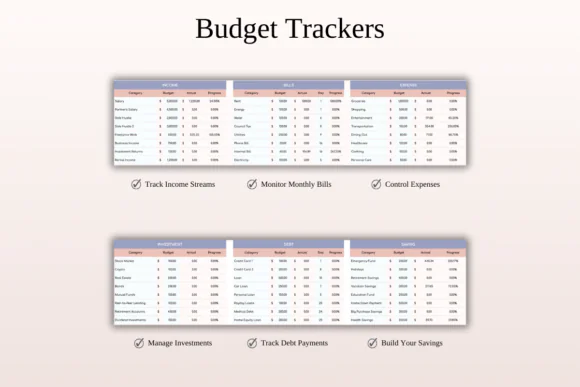
Plan your budget across income, bills, expenses, savings, investments, and debt repayment categories.
Income and Expense Tracking
Record money coming in and going out so you can see how closely your actual spending matches your planned budget.
Clear Budget Categories
Organize your finances into categories such as bills, savings, expenses, debts, investments, and other personal or business needs.
Bill and Debt Management
Track bill payments and debt repayment progress so you can stay organized and avoid missed payments.
Savings and Investment Planning
Allocate money toward emergency funds, savings goals, investments, or long-term financial growth.
Automated Tracking
Built-in formulas update balances and category totals automatically, helping you monitor your budget in real time.
Visual Progress Indicators
Progress bars and clear indicators help you see how much money is left in each category and how well you are following your plan.
Customizable Settings
Choose your year, month, currency, categories, and budget structure to match your personal or business finances.
Excel and Google Sheets Compatible
Use the spreadsheet in Microsoft Excel or Google Sheets. It works across Mac, PC, phones, and tablets, though desktop or laptop use is recommended for full editing capabilities.
What’s Included
You will receive:
Perfect For
This zero-based budget spreadsheet is ideal for:
Why You’ll Love This Budget Template
This template helps you stop wondering where your money went. By assigning every dollar a purpose, you can make more intentional decisions about spending, saving, investing, and debt repayment.
The zero-based structure gives you a clear plan before the month begins, while automatic tracking helps you stay aware throughout the month. Whether you want to manage household bills, build savings, pay off debt, or organize business expenses, this spreadsheet gives you a simple and practical budgeting system.
How It Works
Published:
Apr 24, 2026 01:13 PM
Category:
Tags: