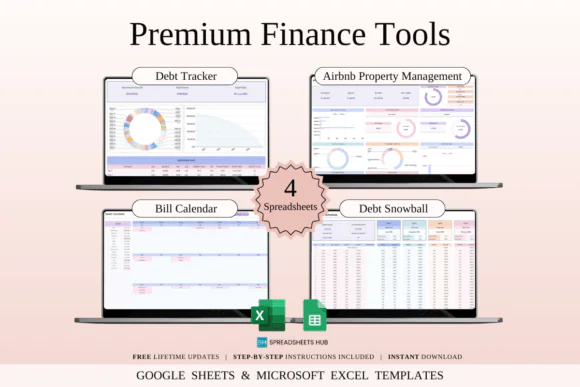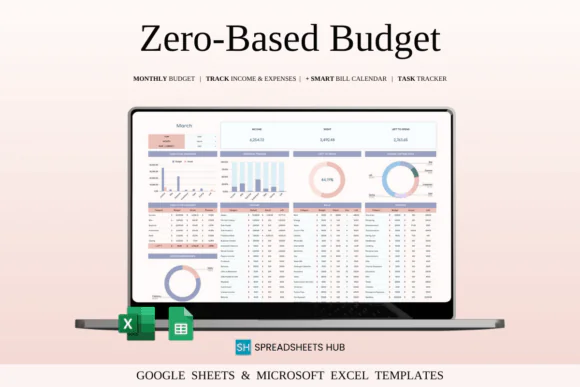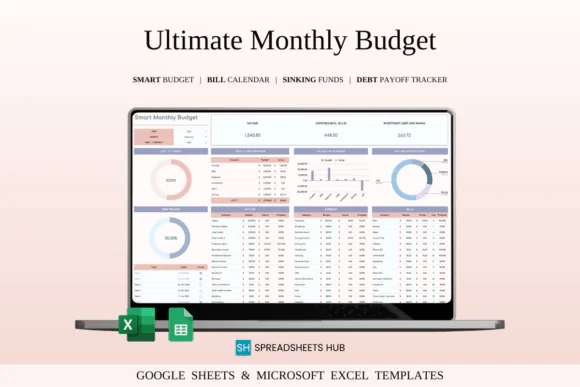
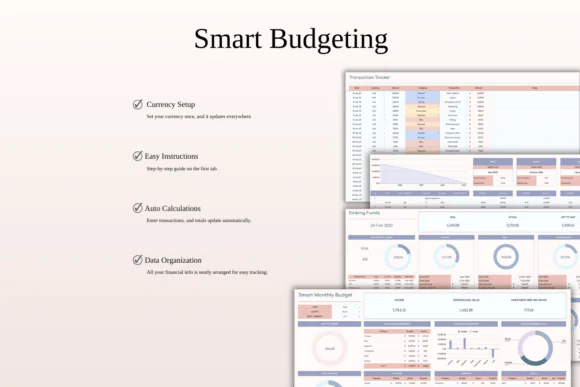
Take control of your money with this Ultimate Monthly Budget Spreadsheet Template for Excel and Google Sheets. Designed to help you manage all areas of your finances in one organized place, this powerful budgeting template makes it easier to track income, expenses, bills, debts, savings goals, and sinking funds month after month.
Whether you are trying to reduce overspending, save for a big goal, manage household expenses, pay off debt, or simply understand where your money goes, this spreadsheet gives you a clear and practical system to stay organized. Instead of switching between multiple trackers or trying to remember payment due dates, you can manage your complete monthly financial picture in one easy-to-use template.
This budget spreadsheet includes automatic calculations, customizable categories, multi-currency support, bill and debt tracking, financial goal tracking, sinking funds, and a step-by-step setup guide. It is suitable for personal budgeting, family finance planning, freelancers, side hustlers, and even small business cost tracking.
Compatible with both Microsoft Excel and Google Sheets, this template gives you the flexibility to plan your budget online or offline, from your desktop, laptop, tablet, or phone.
What You Can Use This Spreadsheet For
Use this ultimate monthly budget planner to:
Key FeaturesAll-in-One Monthly Budget System
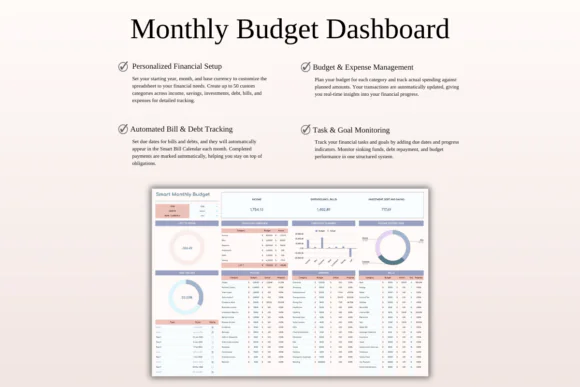
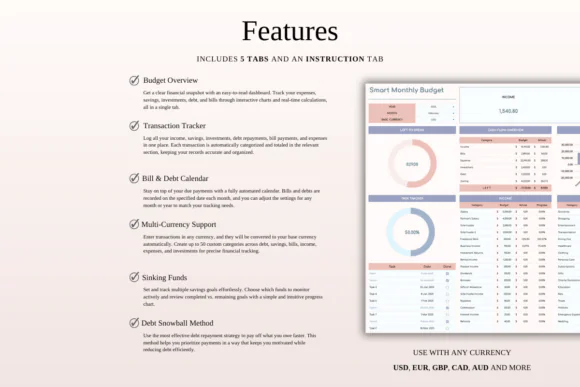
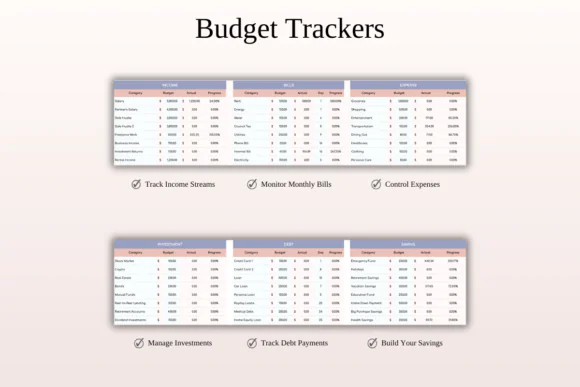
Track income, expenses, bills, savings, debts, and financial goals in one organized spreadsheet. This helps you avoid using multiple separate files for different money tasks.
Automatic Calculations
Simply enter your financial details and transactions, and the spreadsheet automatically updates totals, balances, and progress. This saves time and reduces manual calculation errors.
Customizable Categories
Create and edit up to 50 categories to organize income, expenses, bills, debt, savings, and other financial areas based on your lifestyle and goals.
Multi-Currency Support
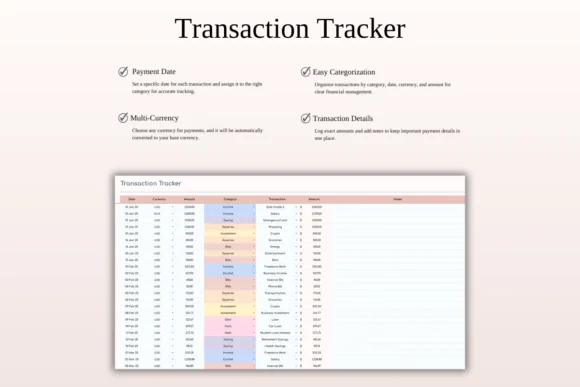
Manage money in different currencies and convert transactions into your preferred base currency, making it useful for international users, freelancers, travelers, and online business owners.
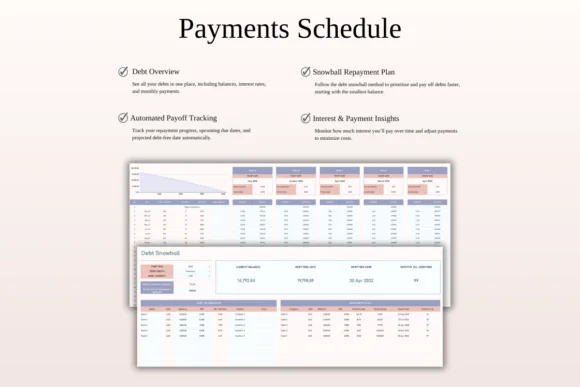
Bill and Debt Tracking
Track bills, debt payments, payment due dates, and financial obligations so you can stay organized and avoid missed payments.
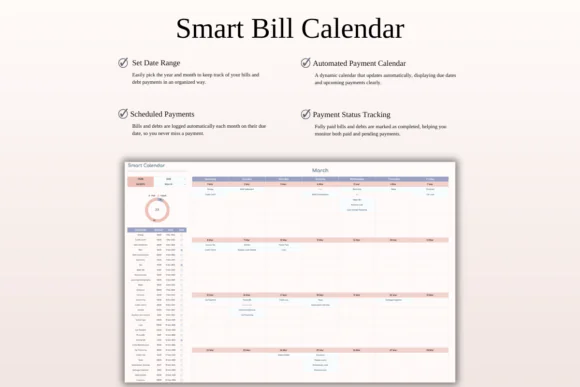
Smart Calendar Support
Use the calendar-style tracking system to stay aware of upcoming bills, debt payments, and important financial dates.
Savings Goal Tracker
Set savings goals for vacations, emergency funds, investments, purchases, or personal milestones and monitor your progress in real time.
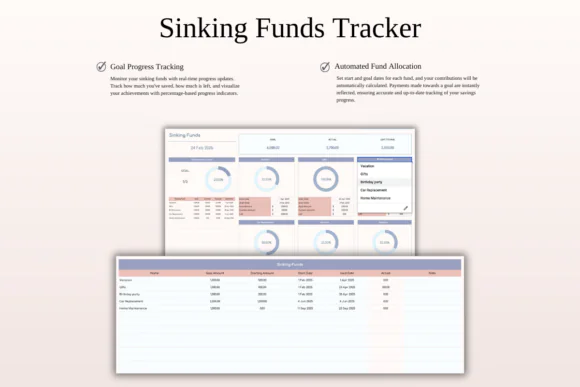
Sinking Funds Planner
Plan ahead for future expenses by creating sinking funds for yearly payments, special occasions, travel, repairs, gifts, holidays, insurance, or large purchases.
Beginner-Friendly Setup Guide
The included step-by-step instructions make it easy to start using the spreadsheet, even if you are new to budgeting.
Excel and Google Sheets Compatible
Use the template in Microsoft Excel or Google Sheets. It works across Mac, PC, phones, and tablets, though a desktop or laptop is recommended for full editing capabilities.
What’s Included
You will receive:
Perfect For
This monthly budget spreadsheet is ideal for:
Why You’ll Love This Budget Spreadsheet
This template helps make monthly budgeting less overwhelming by placing everything in one clear system. You can track income, expenses, bills, savings, debts, and goals without switching between multiple planners or apps.
The automatic calculations save time, the customizable categories make the spreadsheet flexible, and the bill and debt tracking sections help you stay prepared. Whether your goal is to build savings, reduce debt, organize family finances, or simply feel more confident with money, this template gives you a practical foundation for better financial control.
How It Works
Important Notes
This is a digital download product. No physical item will be shipped.
You will need access to Google Sheets or Microsoft Excel to use this template. A Google Account is required for Google Sheets, and Microsoft Excel software is required for the Excel version.
For the best editing experience, using a desktop or laptop is recommended.
Due to the nature of digital products, refunds may not be available after purchase.
Colors may appear slightly different depending on your screen, monitor, tablet, or phone display settings.
Published:
Apr 24, 2026 12:07 PM
Category:
Tags: