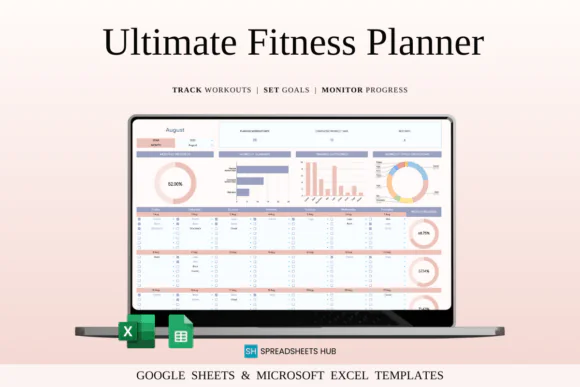
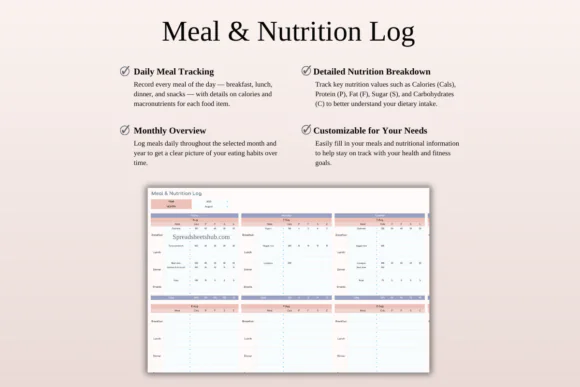
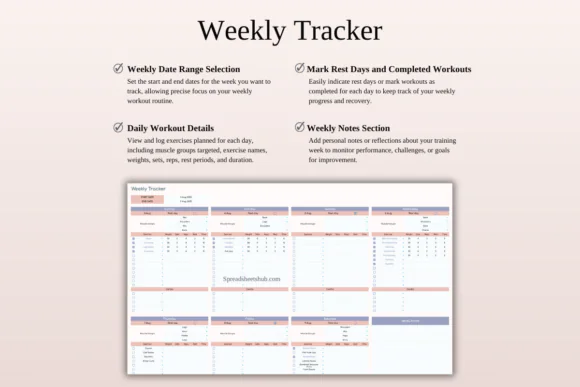
Stay committed, organized, and motivated with this Ultimate Fitness Planner Template Spreadsheet for Google Sheets and Microsoft Excel. Designed as an all-in-one digital fitness system, this planner helps you track workouts, schedule training sessions, log exercises, monitor meals, calculate macros, and review your progress in one clean and easy-to-use spreadsheet.
Whether you are a beginner starting your fitness journey, a gym enthusiast improving your routine, a personal trainer managing client progress, or an athlete tracking performance, this fitness planner gives you the structure you need to stay consistent and focused.
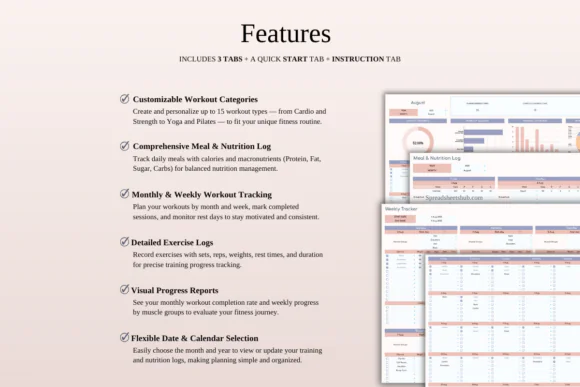
The template includes customizable workout categories, detailed exercise logging, weekly and monthly workout scheduling, meal and macro tracking, progress dashboards, analytics, and easy date navigation. You can track sets, reps, weights, rest time, workout duration, calories, protein, fat, sugar, carbs, completed workouts, rest days, and muscle group breakdowns.
Compatible with both Google Sheets and Microsoft Excel, this fitness planner can be used on Mac, PC, tablets, and phones, making it easy to plan and track your fitness routine wherever you are.
What You Can Use This Fitness Planner For
Use this fitness planner spreadsheet to:
Key FeaturesCustom Workout Categories
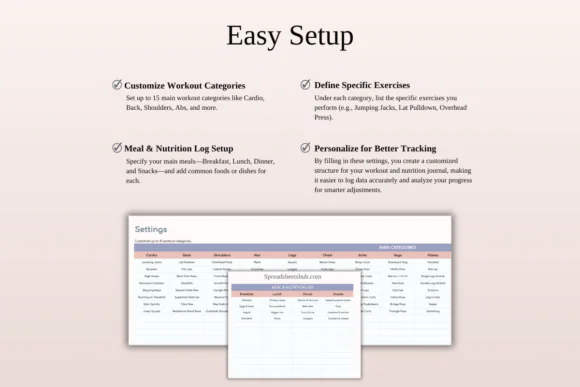
Set up to 15 personalized workout categories such as cardio, back, shoulders, abs, legs, chest, arms, yoga, Pilates, strength training, stretching, or any workout style you prefer.
Detailed Exercise Log
Record every important workout detail, including exercise name, sets, reps, weights, rest intervals, workout duration, and notes. This helps you track performance and improvement over time.
Weekly and Monthly Workout Scheduler
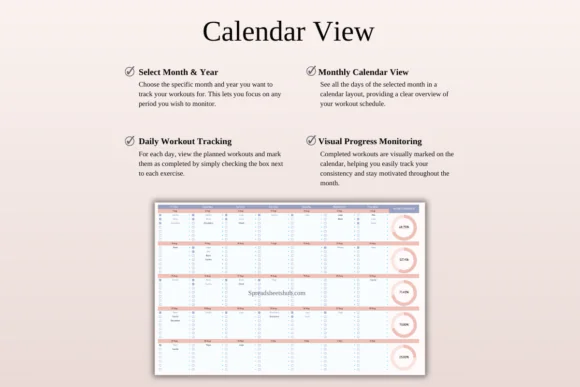
Plan fitness sessions by week or month, mark completed workouts, schedule rest days, and keep a clear view of your training consistency.
Meal and Macro Tracker
Log daily meals and monitor nutrition with automatic calculations for calories and macronutrients such as protein, fat, sugar, and carbohydrates.
Progress Dashboard
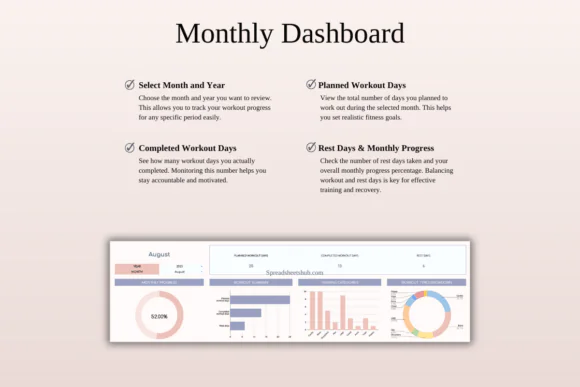
View visual summaries of your fitness journey, including completion percentages, workout stats, consistency tracking, and overall progress.
Workout Analytics
Analyze weekly muscle group breakdowns and workout patterns to understand how balanced your training routine is.
Easy Date Navigation
Switch between months and years to review past fitness data or plan future workouts, making the planner useful no matter when you start.
Excel and Google Sheets Compatible
Use the planner in Microsoft Excel or Google Sheets. It works across Mac, PC, phones, and tablets, though desktop or laptop use is recommended for full editing capabilities.
What’s Included
You will receive:
Perfect For
This fitness planner spreadsheet is ideal for:
Why You’ll Love This Fitness Planner
This planner helps you manage both training and nutrition in one place. Instead of using separate apps, notebooks, or scattered notes, you can track workouts, meals, macros, progress, and schedules inside one organized spreadsheet.
The visual dashboard makes progress easier to understand, while the workout scheduler helps you stay consistent. Whether your goal is weight loss, muscle building, better strength, improved endurance, or general wellness, this template gives you a practical system to stay focused and motivated.
How It Works
Important Notes
This is a digital download product. No physical item will be shipped.
You will need access to Google Sheets or Microsoft Excel to use this template. A Google Account is required for Google Sheets, and Microsoft Excel software is required for the Excel version.
For the best editing experience, using a desktop or laptop is recommended.
Due to the nature of digital products, refunds may not be available after purchase.
Colors may appear slightly different depending on your screen, monitor, tablet, or phone display settings.
Published:
Apr 24, 2026 12:12 PM
Category:
Tags: