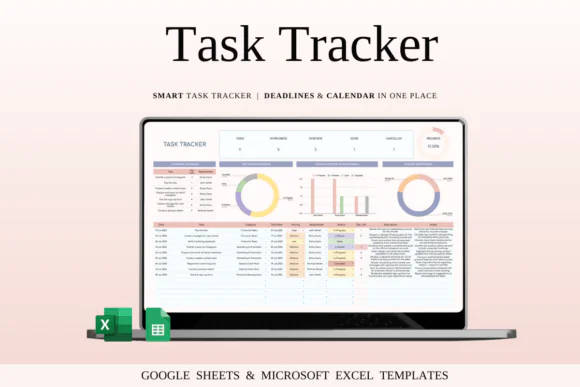
Stay organized, manage deadlines, and improve productivity with this Task Tracker Template Spreadsheet for Google Sheets and Microsoft Excel. This easy-to-use digital task management tool is designed to help individuals, freelancers, teams, small businesses, project managers, and entrepreneurs keep track of tasks, responsibilities, deadlines, priorities, and progress in one clear and structured spreadsheet.
Whether you are managing daily work tasks, client projects, team responsibilities, business operations, personal goals, or multiple deadlines, this spreadsheet gives you a simple system to plan, organize, and monitor everything from one place.
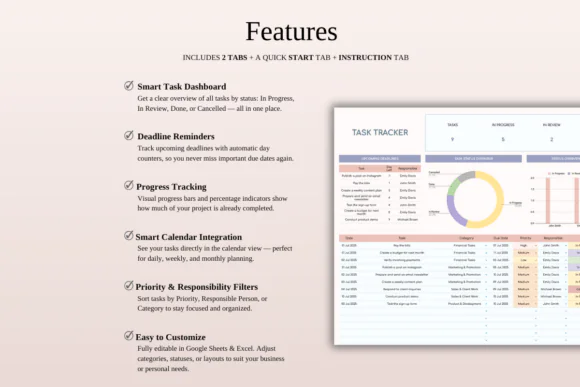
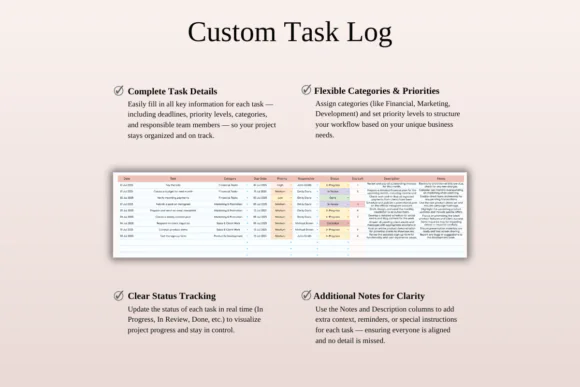
The template includes a task overview dashboard, status tracking, smart calendar, upcoming deadlines section, comprehensive task log, team responsibility breakdown, and customizable settings. You can assign tasks, set priority levels, track task status, add deadlines, record notes, and monitor completion progress visually.
Compatible with both Google Sheets and Microsoft Excel, this task tracker is flexible, editable, and suitable for personal and professional use.
What You Can Use This Template For
Use this task tracker spreadsheet to:
Key FeaturesTask Overview Dashboard
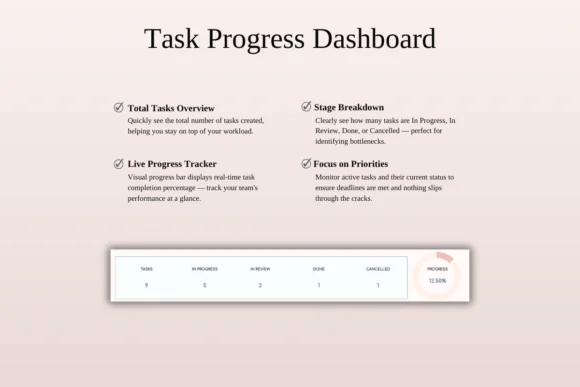
Get a quick visual summary of your task list, total tasks, progress, and completion percentage. The dashboard helps you understand your workload at a glance.
Status Tracking System
Categorize tasks by status such as In Progress, Under Review, Completed, or Cancelled. This makes it easy to see what needs attention and what has already been finished.
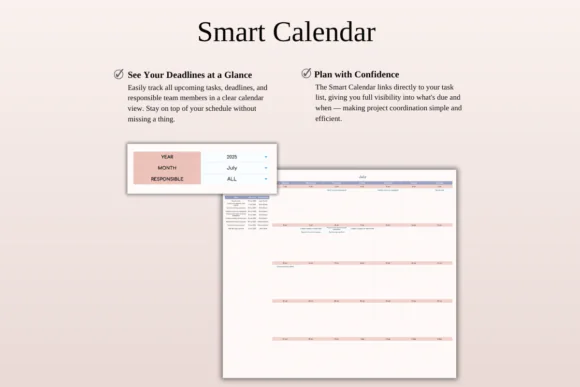
Integrated Smart Calendar
View tasks and deadlines in a calendar-style format so you can plan your schedule more clearly and avoid missing important due dates.
Upcoming Deadlines Section
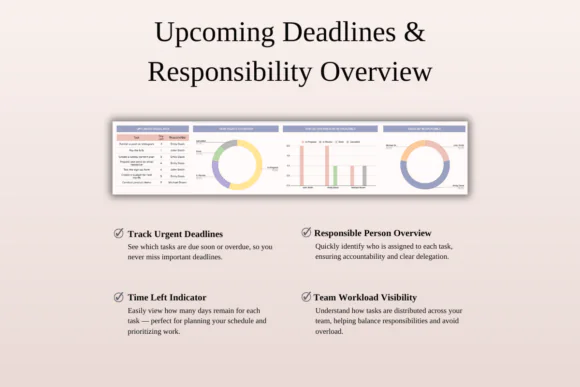
Quickly review urgent tasks and approaching deadlines. This helps you stay ahead of important work and manage time more effectively.
Comprehensive Task Log
Record complete task details including task name, description, category, responsible person, priority level, deadline, status, and notes.
Team Responsibility Breakdown
Track who is responsible for each task and monitor progress by team member. This is especially useful for small teams, businesses, and project coordinators.
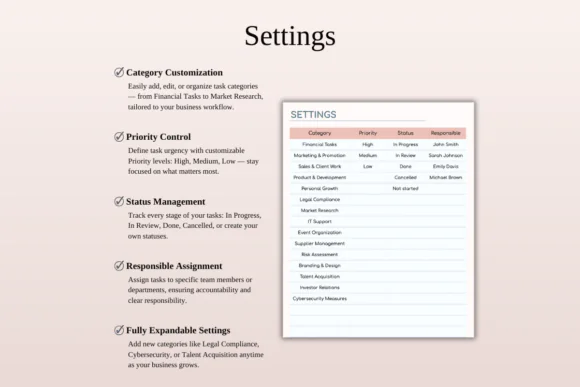
Custom Settings Sheet
Customize task categories, statuses, priority labels, and team member names to match your workflow.
Excel and Google Sheets Compatible
Use the template in Microsoft Excel or Google Sheets. It works on Mac, PC, tablets, and phones, though desktop or laptop use is recommended for easier editing.
What’s Included
You will receive:
Perfect For
This task tracker template is ideal for:
Why You’ll Love This Task Tracker
This spreadsheet helps you turn scattered tasks into a clear, organized system. Instead of relying on memory, sticky notes, or multiple apps, you can manage everything inside one editable spreadsheet.
The dashboard gives you a quick overview, the calendar helps you plan deadlines, and the task log keeps every detail organized. Whether you are working alone or with a team, this template helps you stay focused, accountable, and productive.
How It Works
Important Notes
This is a digital download product. No physical product will be shipped.
You will need access to Google Sheets or Microsoft Excel to use this template. A Google Account is required for Google Sheets, and Microsoft Excel software is required for the Excel version.
For the best experience, use a desktop or laptop for full editing capabilities.
Due to the digital nature of this product, refunds may not be available after purchase.
Colors may appear slightly different depending on your screen, monitor, tablet, or phone display settings.
Published:
Apr 24, 2026 11:49 AM
Category:
Tags: