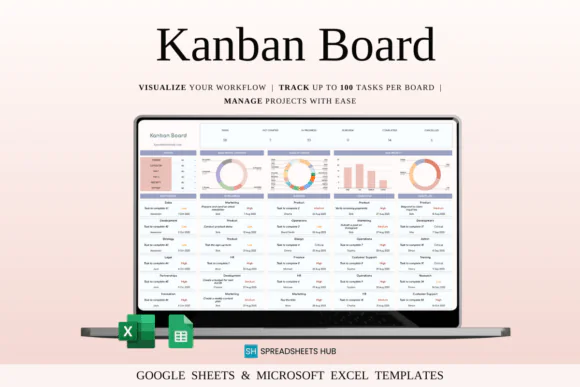
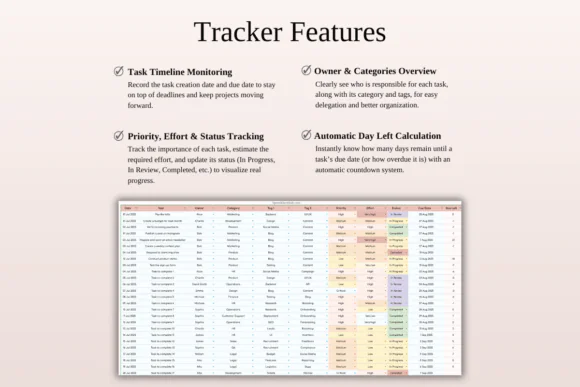
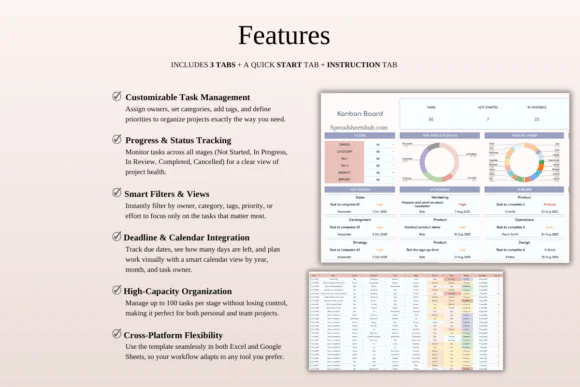
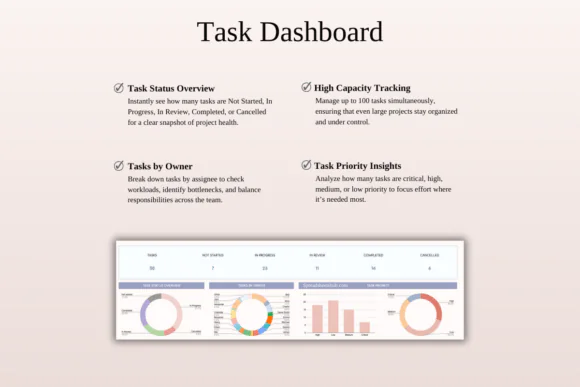
Organize your tasks, projects, deadlines, and workflow visually with this Kanban Board Spreadsheet Template for Google Sheets and Microsoft Excel. This easy-to-use digital planning tool brings the clarity of a Kanban board into a simple spreadsheet format, helping you track what needs to be done, what is in progress, what is under review, and what has been completed.
This template is ideal for entrepreneurs, small business owners, project managers, freelancers, creatives, students, team leaders, and productivity-focused individuals who want a structured way to manage work without using complicated project management software.
With customizable boards, task owners, categories, tags, priorities, effort levels, smart filters, calendar views, and deadline tracking, this Kanban spreadsheet helps you stay focused and organized. You can manage personal goals, client projects, content plans, assignments, business operations, marketing tasks, sales workflows, or team responsibilities in one clear system.
Compatible with both Google Sheets and Microsoft Excel, this template gives you the flexibility to plan online or offline, from your desktop, laptop, tablet, or phone.
What You Can Use This Template For
Use this Kanban board spreadsheet to:
Key FeaturesCustomizable Kanban Boards
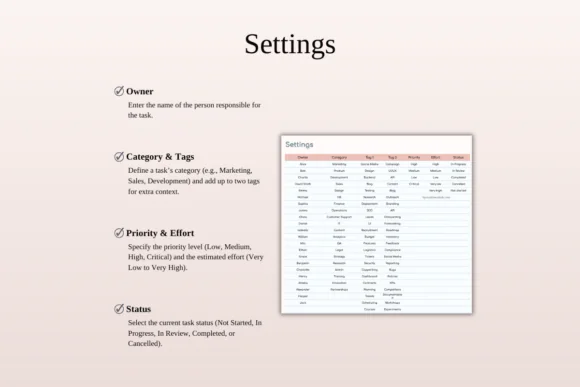
Create boards that match your workflow. Add task owners, categories, tags, priorities, effort levels, and custom workflow stages based on your personal or business needs.
Visual Workflow Tracking
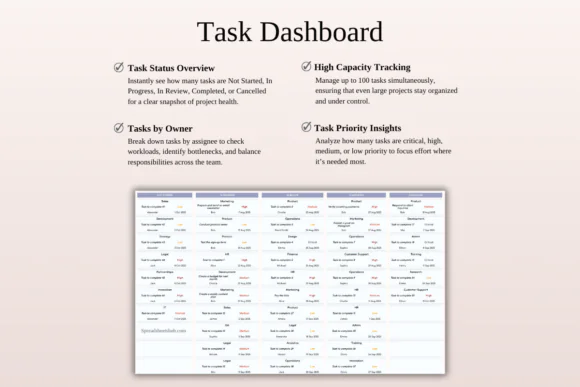
Move tasks through clear stages such as Not Started, In Progress, In Review, Completed, and Cancelled. This makes it easy to see the status of every task at a glance.
Up to 50 Tasks Per Stage
Manage up to 50 tasks in each workflow stage, making the template useful for individuals, small teams, freelancers, and project-based businesses.
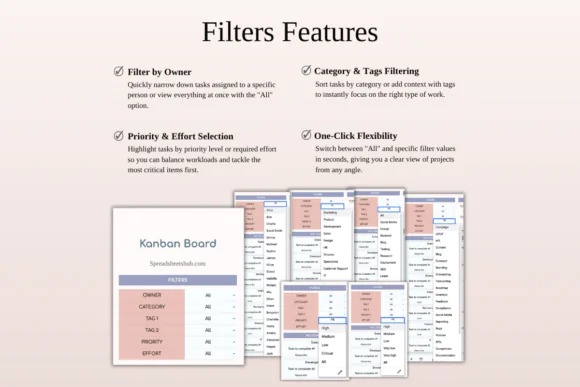
Smart Filters
Quickly filter tasks by owner, category, tag, priority, or effort. This helps you focus on the most relevant tasks without scrolling through everything.
Integrated Calendar View
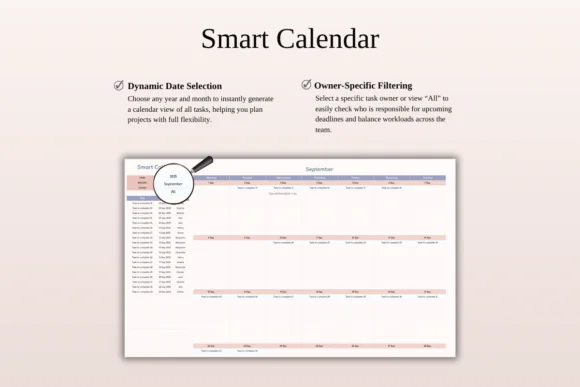
View tasks by year, month, or task owner using the built-in calendar view. This helps you plan deadlines, review schedules, and organize work over time.
Deadline Automation
Track due dates and quickly identify overdue tasks so important work does not get missed.
Team Task Management
Assign responsibilities to team members and track who is working on what. This improves accountability and makes collaboration easier.
Excel and Google Sheets Compatible
Use the template in Microsoft Excel or Google Sheets. It works across Mac, PC, phones, and tablets, though a desktop or laptop is recommended for full editing capabilities.
What’s Included
You will receive:
Perfect For
This Kanban board spreadsheet is ideal for:
Why You’ll Love This Kanban Template
This spreadsheet gives you the visual organization of a Kanban board without needing expensive software or monthly subscriptions. You can clearly see what is pending, what is active, what needs review, and what is completed.
The smart filters help you focus on the right tasks, while the calendar view makes deadlines easier to manage. Whether you are working alone or with a team, this template helps you stay structured, save time, and manage projects with confidence.
How It Works
Important Notes
This is a digital download product. No physical item will be shipped.
You will need access to Google Sheets or Microsoft Excel to use this template. A Google Account is required for Google Sheets, and Microsoft Excel software is required for the Excel version.
For the best editing experience, using a desktop or laptop is recommended.
Due to the nature of digital products, refunds may not be available after purchase.
Colors may appear slightly different depending on your screen, monitor, tablet, or phone display settings.
Published:
Apr 24, 2026 12:10 PM
Category:
Tags: