Unlocking Joy: 50% Off On WordPress Themes Get It Now >

Image Converter Pro

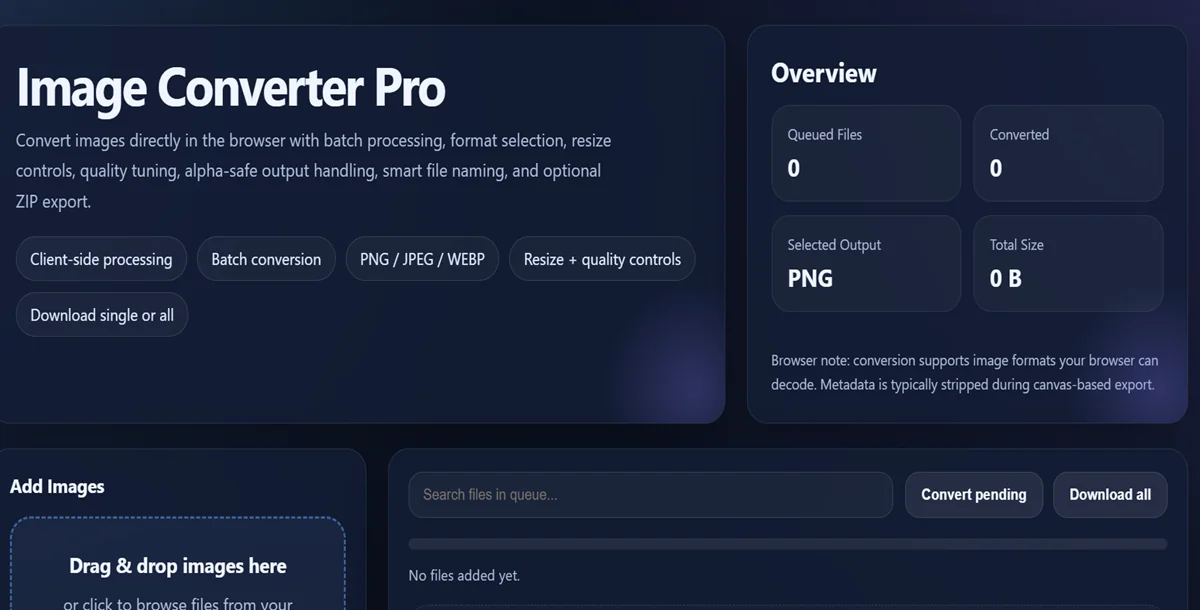
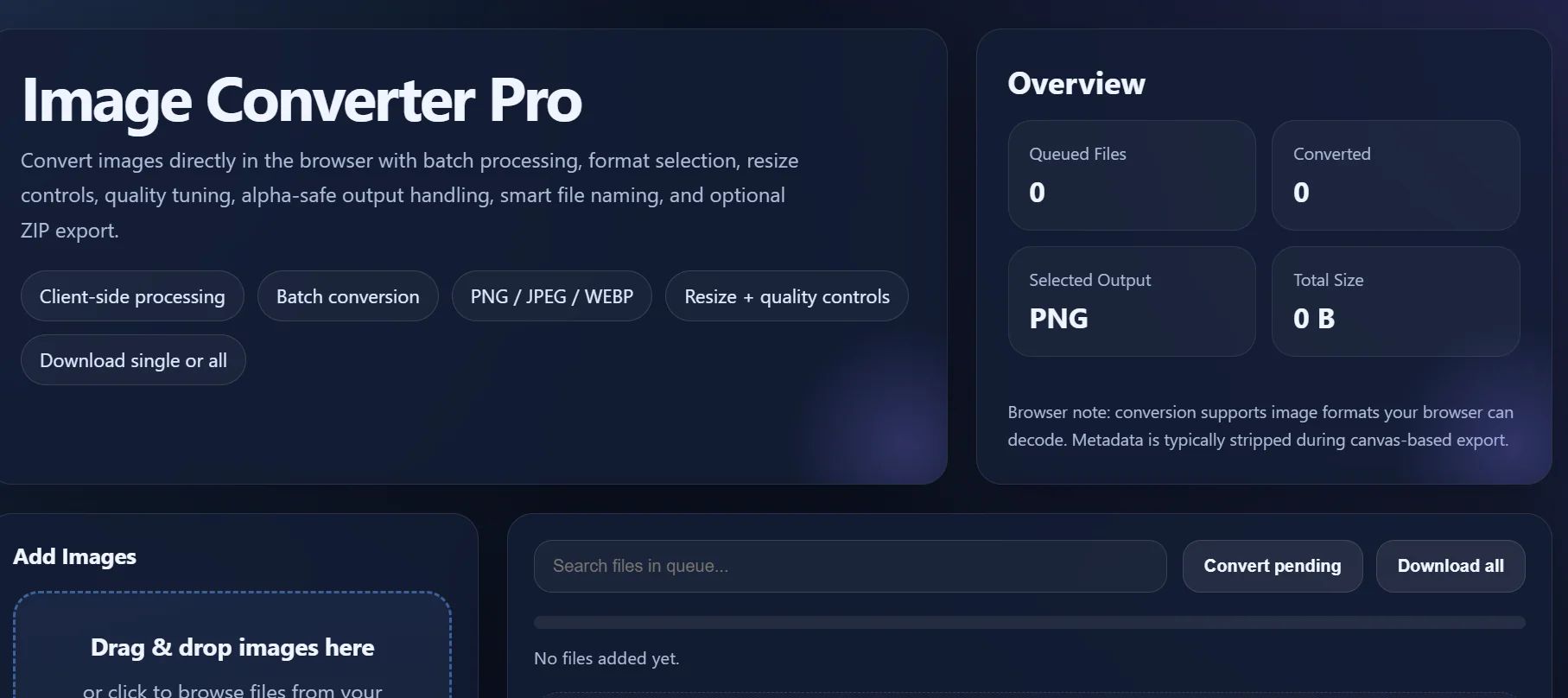
Image Converter Pro is a fast, modern, and easy-to-use image conversion tool built for users who want reliable image processing without complexity.

Convert your images into popular formats like PNG, JPEG, and WEBP in just a few taps. Whether you want to optimize images for websites, apps, social media, documents, or storage, this tool gives you powerful controls in a clean and user-friendly interface.

With support for batch conversion, image resizing, quality adjustment, and smart export options, Image Converter Pro is designed for both casual users and professionals who need speed, flexibility, and convenience.

Key Features

Convert images to popular formats

  • Convert to PNG
  • Convert to JPEG / JPG
  • Convert to WEBP

Batch conversion support

  • Select multiple images
  • Convert many files at once
  • Save time with bulk processing

Resize images easily

  • Keep original size
  • Resize by width
  • Resize by height
  • Fit within custom dimensions
  • Resize by percentage

Quality control

  • Adjust compression quality for JPEG and WEBP
  • Balance image clarity and file size
  • Optimize for web, sharing, or storage

Smart export tools

  • Custom output file naming
  • Quick preview before download
  • Download individual files
  • Download all converted files

Modern and easy interface

  • Clean design
  • Fast workflow
  • Smooth user experience
  • Suitable for beginners and advanced users

Why choose Image Converter Pro?

Image Converter Pro is built to be practical, powerful, and simple. Instead of overwhelming users with unnecessary complexity, it focuses on the features people actually need most:

  • Fast image conversion
  • Batch support
  • Better file size control
  • Easy resizing
  • Modern workflow
  • Reliable output

Whether you are a student, creator, designer, developer, marketer, or everyday user, this app helps you handle image files more efficiently.

Perfect for

  • Website image optimization
  • Social media content preparation
  • Blog and content publishing
  • App and software assets
  • Saving storage space
  • Sharing images in the right format
  • General personal and professional use

Simple workflow

  1. Add one or more images
  2. Choose output format
  3. Adjust size and quality
  4. Convert instantly
  5. Save your converted images

Supported use cases

  • Reduce file sizes for faster upload
  • Convert transparent images for different needs
  • Prepare images for websites and mobile apps
  • Create cleaner outputs for sharing and publishing

Download Image Converter Pro and enjoy a smarter way to convert, resize, and optimize images.

License Option
Quality checked by Infinite Market
Full Documentation
Future updates
Author Support

Published:

Apr 06, 2026 08:08 AM

Category:

High Resolution:

Yes

Compatible Browsers:

Files Included:

Frameworks:

We use cookies to personalize your experience. By continuing to visit this website you agree to our use of cookies

More