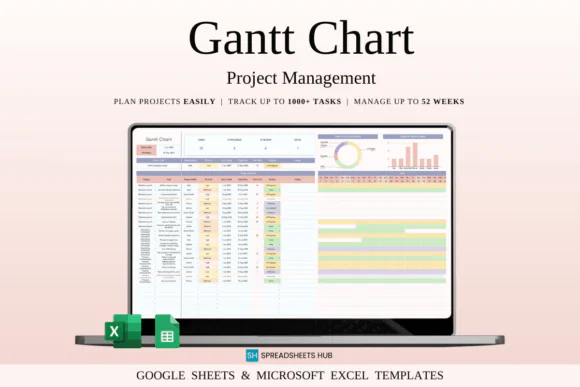
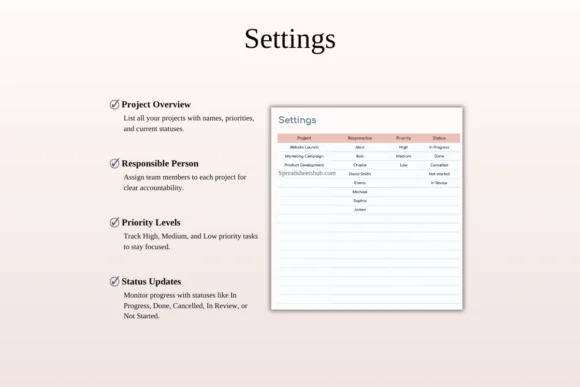
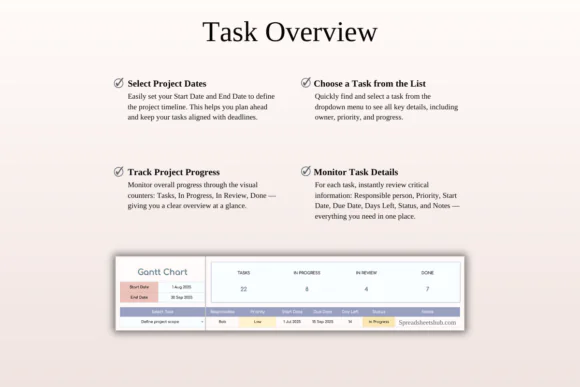
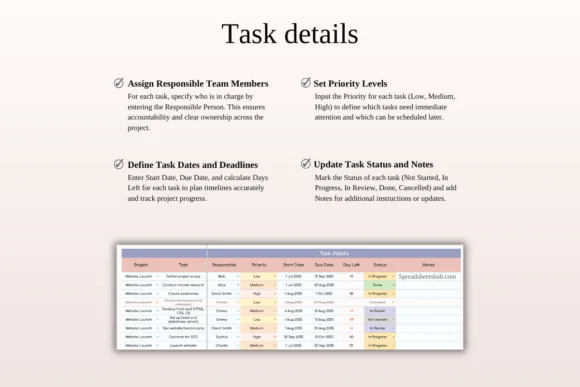
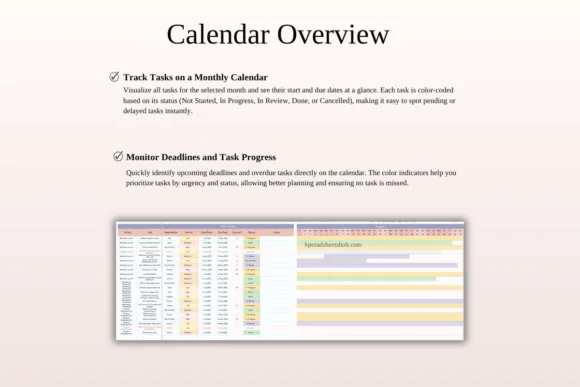
Plan, manage, and track projects more clearly with this Gantt Chart Project Management Template for Excel and Google Sheets. This easy-to-use spreadsheet is designed to help project managers, business owners, freelancers, students, teams, and individuals organize tasks, assign responsibilities, monitor deadlines, and follow project progress using a visual Gantt-style timeline.
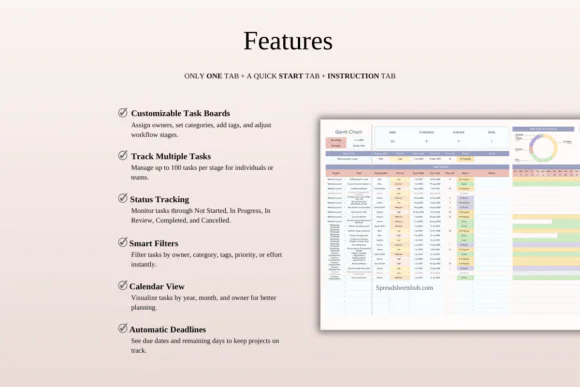
With this template, you can add task details, assign owners, set priorities, include notes, define project start and end dates, and track task status through stages such as Not Started, In Progress, Under Review, Completed, or Cancelled. The color-coded visual timeline makes it easier to understand project schedules at a glance and stay aligned with important milestones.
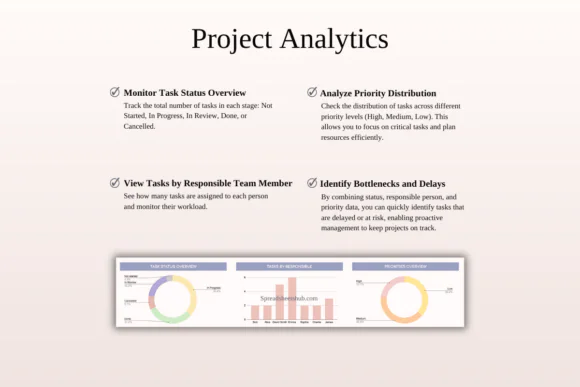
The template also includes useful project tracking features such as progress snapshots, deadline and priority alerts, team distribution views, workload balancing, and automated indicators. Whether you are managing a business launch, client project, content calendar, school assignment, study plan, personal goal, or team workflow, this spreadsheet gives you a flexible and structured system to stay organized and reduce delays. It works smoothly in both Google Sheets and Microsoft Excel, with blank and sample versions included.
What’s Included
What You Can Do With This Template
Perfect For
Project managers, team leaders, small businesses, entrepreneurs, freelancers, creatives, students, consultants, content planners, academic projects, business operations, client projects, campaign planning, product launches, workflow tracking, and personal goal planning.
Published:
Apr 27, 2026 08:45 AM
Category:
Tags: