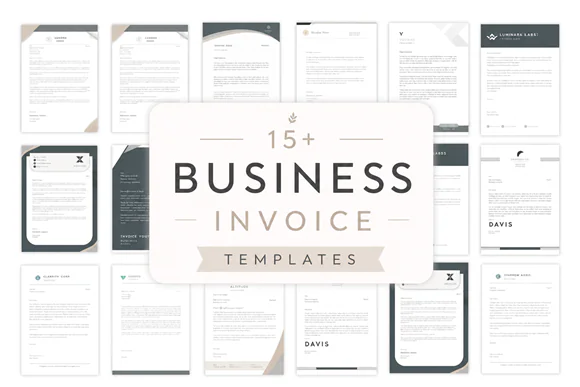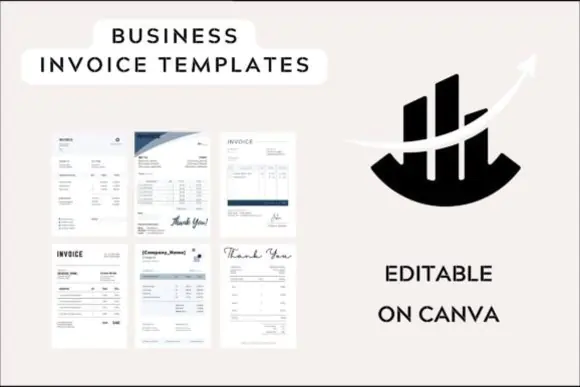
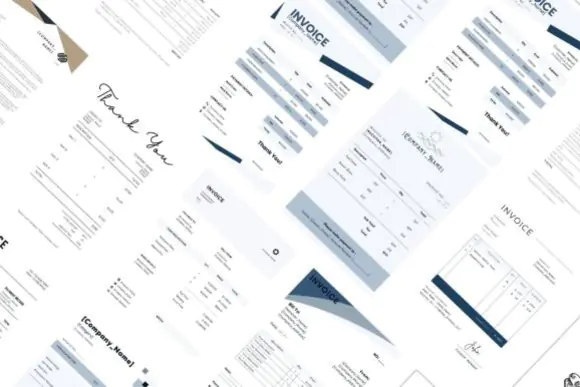
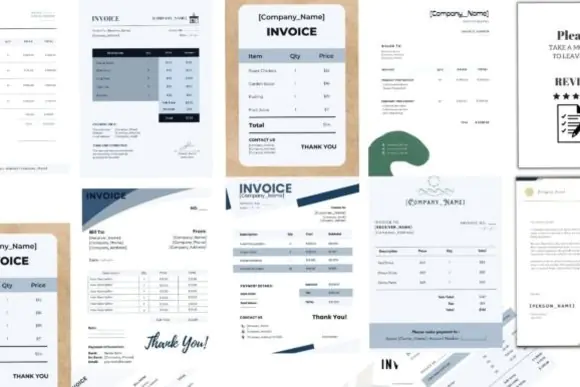
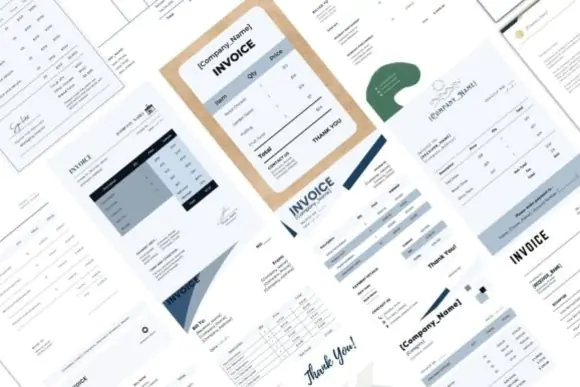

Create clean, professional, and brand-ready invoices for your business with this Editable Business Invoice Templates Bundle. This premium digital template pack includes 15 beautifully designed invoice templates made especially for small business owners, freelancers, service providers, entrepreneurs, agencies, online sellers, consultants, and creative professionals who want their billing documents to look polished and trustworthy.
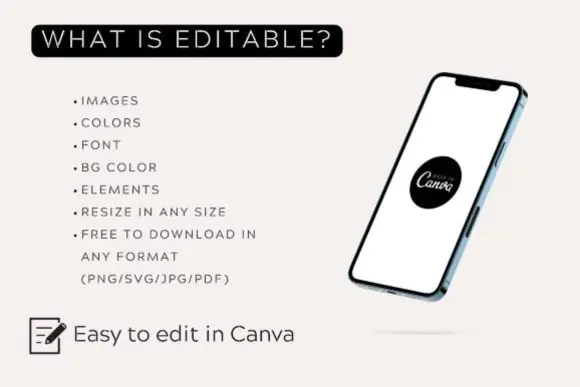
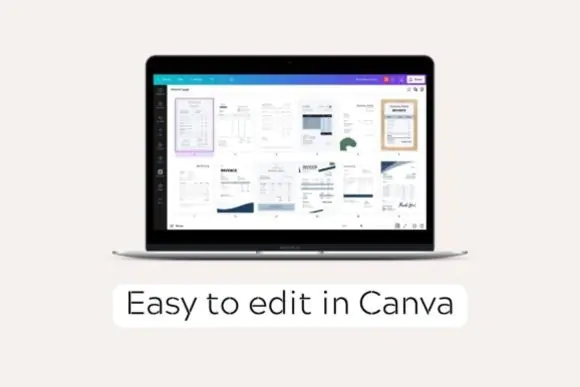
Each template is designed in A4 document size, making it perfect for printing, sharing as a PDF, or sending digitally to clients. The templates are fully editable in Canva, so you can easily customize the text, colors, fonts, branding, logo, layout elements, background colors, and overall style without needing advanced design skills.
Whether you run a small shop, online business, freelance service, digital agency, consulting brand, or local service business, these invoice templates help you save time and present your business in a more professional way. Simply open the editable template, add your business details, client information, invoice number, services, pricing, tax details, payment terms, and export it in your preferred format.
What’s Included
What You Can Edit
File Export Options
You can download your final invoice design in multiple formats, including:
Perfect For
Why Choose This Invoice Template Bundle?
This bundle helps you avoid creating invoices from scratch. With pre-built professional layouts, you can quickly customize your invoice and make your brand look more reliable, organized, and client-friendly. The drag-and-drop Canva editing system makes customization simple, fast, and beginner-friendly.
These invoice templates are ideal for anyone who wants a clean, modern, editable, and printable invoice solution that can be reused again and again for different clients and projects.
Note: Canva is used for editing. Images are not included in the purchase. Please use your own images, logo, and business branding before exporting the final templates.
Published:
Jun 08, 2026 09:34 AM
Category:
Tags: