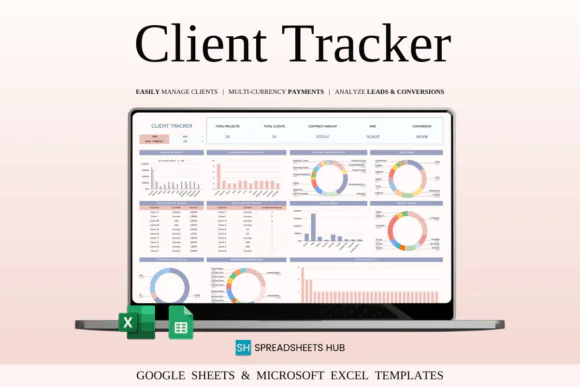
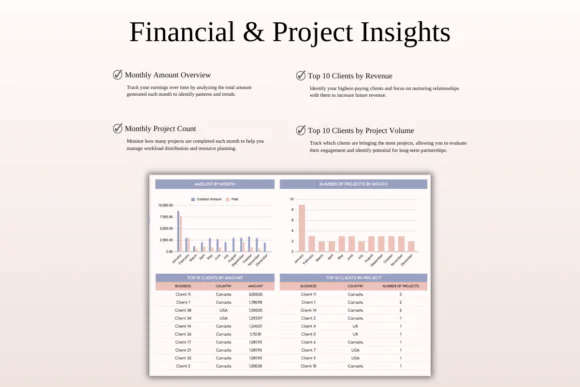
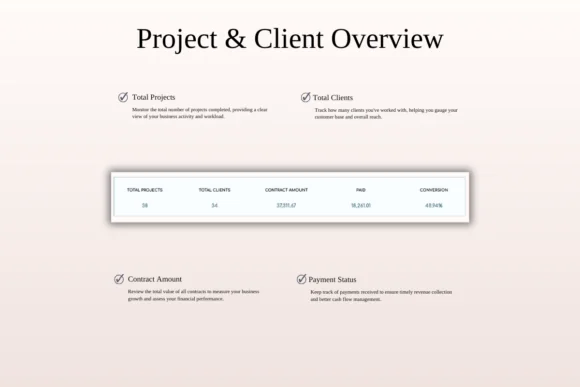
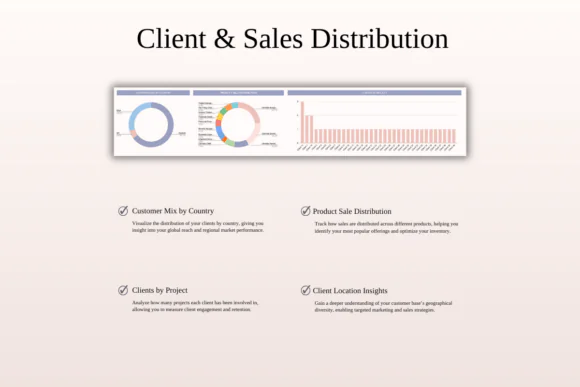
Manage clients, projects, invoices, payments, deadlines, and communication in one organized place with this Client Tracker & Management Spreadsheet for Excel and Google Sheets. Designed for freelancers, consultants, solopreneurs, small business owners, agencies, and service providers, this template helps you keep every important client detail clearly structured and easy to access.
Instead of switching between notebooks, emails, invoices, calendars, and separate spreadsheets, this all-in-one client management template gives you a simple system to track client information, project updates, payment status, deadlines, priorities, lead sources, and communication history.
Whether you work with local clients or international customers, this spreadsheet helps you stay organized and financially aware. With multi-currency support, invoice tracking, payment records, project progress views, and customizable client fields, you can manage your workload more confidently and provide better service.
Compatible with both Microsoft Excel and Google Sheets, this client tracker is flexible, editable, and practical for online or offline use.
What You Can Use This Spreadsheet For
Use this client tracker spreadsheet to:
Key FeaturesAll-in-One Client Management
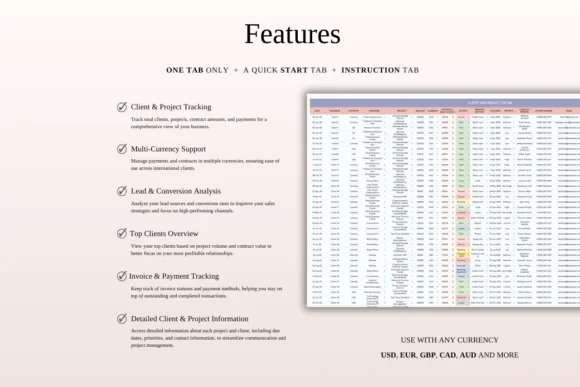
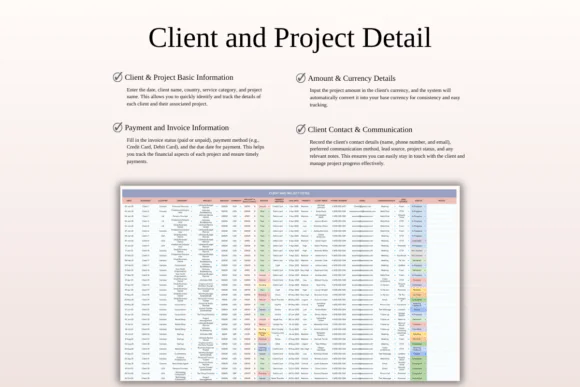
Store client names, contact details, project information, priorities, deadlines, categories, payment status, and notes in one organized tracker.
Client and Project Tracker
Track each client’s project status, project type, deadline, priority level, and progress so you always know what needs attention.
Invoice and Payment Tracking
Log invoice details, payment methods, due dates, outstanding balances, and completed payments to keep your financial records clear.
Multi-Currency Support
Record payments in different currencies and automatically convert them into your base currency for easier financial tracking.
Project Progress Overview
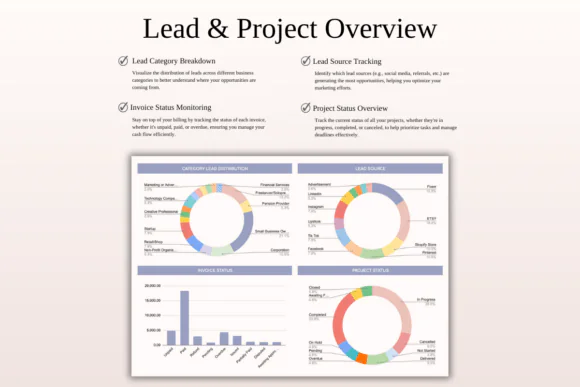
Get a quick view of project statuses, active work, pending tasks, completed projects, and client workload.
Lead Source Tracking
Track where clients come from, such as referrals, social media, websites, marketplaces, ads, or direct outreach.
Communication History
Keep notes about client conversations, updates, follow-ups, and important project details so nothing gets forgotten.
Better Workload Organization
Use categories, due dates, priorities, and status fields to organize work and avoid missed deadlines.
Excel and Google Sheets Compatible
Use the spreadsheet in Microsoft Excel or Google Sheets. It works across Mac, PC, phones, and tablets, though desktop or laptop use is recommended for full editing capabilities.
What’s Included
You will receive:
Perfect For
This client tracker spreadsheet is ideal for:
Why You’ll Love This Client Tracker
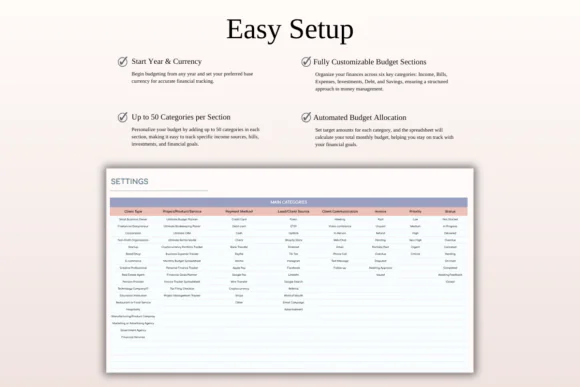
This spreadsheet helps you keep your client work organized and professional. You can track client details, project progress, invoices, payments, deadlines, and communication without needing complex CRM software.
It is especially useful for freelancers and small businesses that need a simple, affordable, and customizable way to manage clients. With clear project visibility and financial tracking, you can stay on top of your workload, improve productivity, and deliver a smoother experience for every client.
How It Works
Published:
Apr 24, 2026 12:51 PM
Category:
Tags: