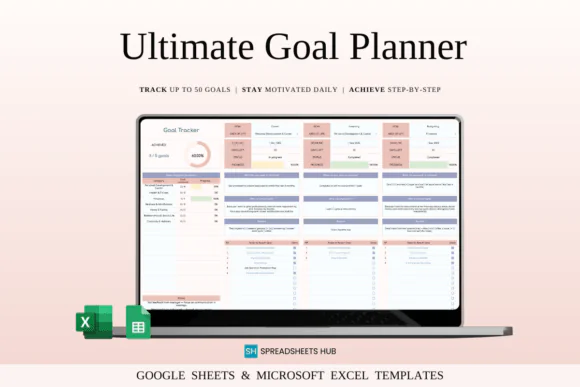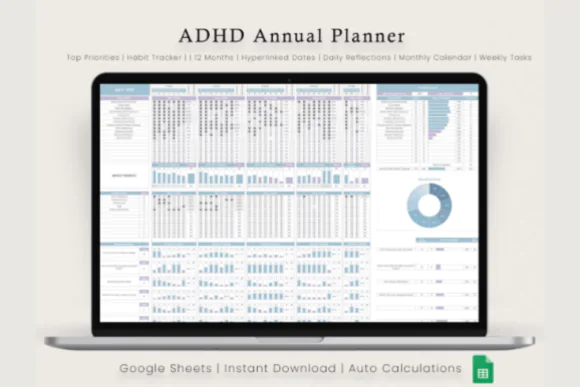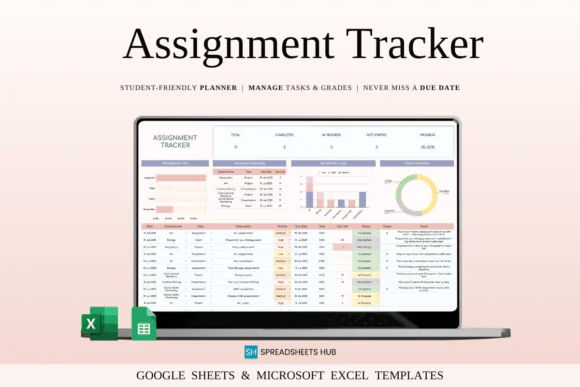
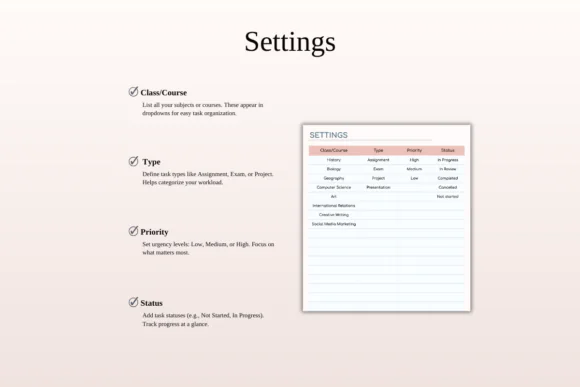
Stay organized, manage deadlines, and reduce academic stress with this Assignment Tracker Spreadsheet Template for Google Sheets and Microsoft Excel. Designed for high school students, college students, university students, undergraduates, and anyone managing academic responsibilities, this spreadsheet helps you keep assignments, exams, projects, presentations, due dates, priorities, and progress in one clear place.
Instead of relying on memory, scattered notes, or multiple planners, this template gives you a simple system to organize your academic workload. You can record each assignment, set deadlines, assign priorities, track progress, and view upcoming due dates in a calendar-style layout.
Whether you are managing multiple classes, balancing study with work, preparing for exams, or handling project deadlines, this assignment tracker helps you stay focused and prepared. The clean, beginner-friendly layout makes it easy to enter tasks and start planning immediately.
Compatible with both Google Sheets and Microsoft Excel, this template can be accessed across devices and used for school, college, online courses, or personal study planning.
What You Can Use This Tracker For
Use this assignment tracker spreadsheet to:
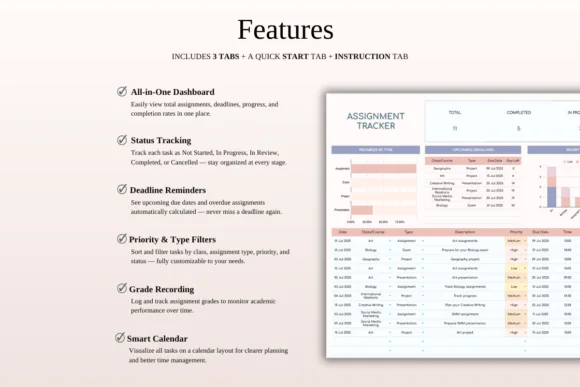
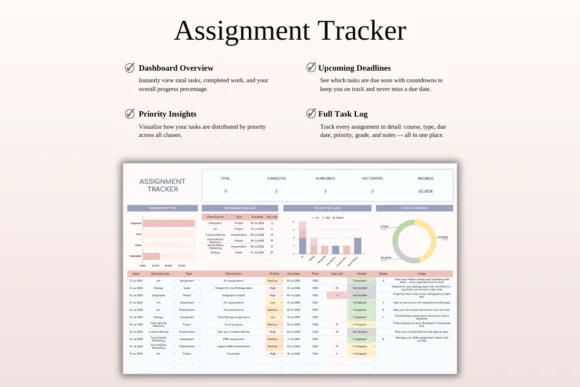
Key FeaturesCentralized Assignment Tracking
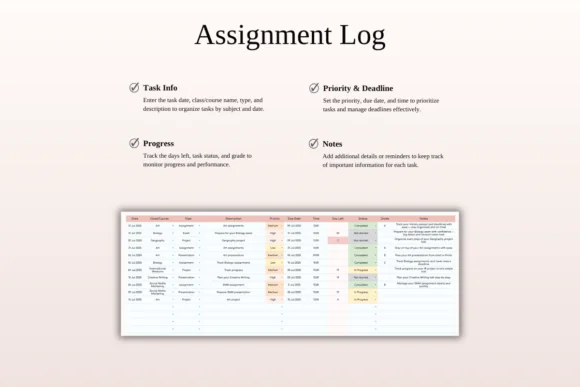
Keep all assignments, homework, exams, projects, presentations, and academic tasks organized in one spreadsheet.
Deadline and Due Date Management
Add due dates for each academic task so you can clearly see what needs to be completed and when.
Priority Tracking
Assign priority levels to tasks so you can focus first on the most urgent or important assignments.
Progress Monitoring
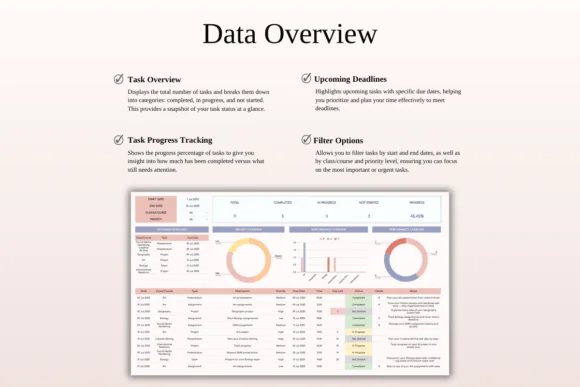
Track whether each task is pending, in progress, or completed using clear visual indicators.
Calendar-Style Overview
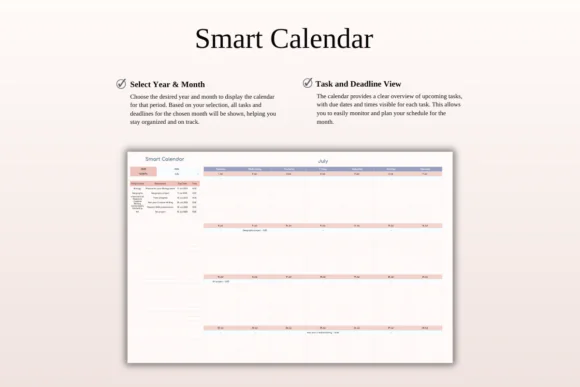
View deadlines in a calendar-style layout to plan your week or month with more confidence.
Beginner-Friendly Layout
The spreadsheet is designed for students of all levels. Just enter your assignments, due dates, and task details to start organizing.
Google Sheets and Excel Compatible
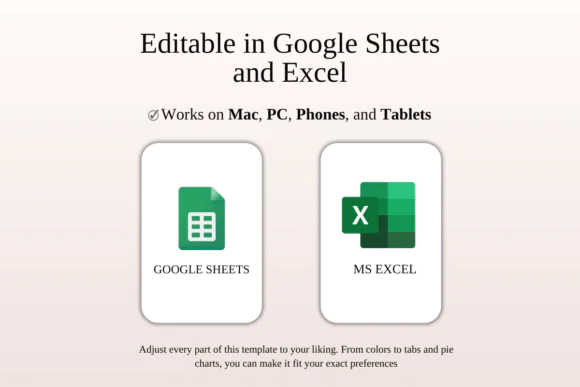
Use the tracker in Google Sheets or Microsoft Excel. It works across Mac, PC, phones, and tablets, though desktop or laptop use is recommended for easier editing.
Useful for Multiple Classes
Organize assignments across several subjects, courses, or classes in one place.
What’s Included
You will receive:
Perfect For
This assignment tracker spreadsheet is ideal for:
Why You’ll Love This Assignment Tracker
This tracker helps make academic planning easier and less stressful. You can see all your assignments, exams, and projects in one place, understand what needs attention, and plan ahead before deadlines become urgent.
The calendar-style overview helps you prepare for upcoming due dates, while progress tracking keeps you aware of what is completed and what still needs work. Whether you are managing a heavy semester or simply want a cleaner study system, this spreadsheet helps you stay organized and focused.
How It Works
Important Notes
This is a digital download product. No physical item will be shipped.
You will need access to Google Sheets or Microsoft Excel to use this template. A Google Account is required for Google Sheets, and Microsoft Excel software is required for the Excel version.
For the best editing experience, using a desktop or laptop is recommended.
Due to the nature of digital products, refunds may not be available after purchase.
Colors may appear slightly different depending on your screen, monitor, tablet, or phone display settings.
Published:
Apr 24, 2026 12:14 PM
Category:
Tags: