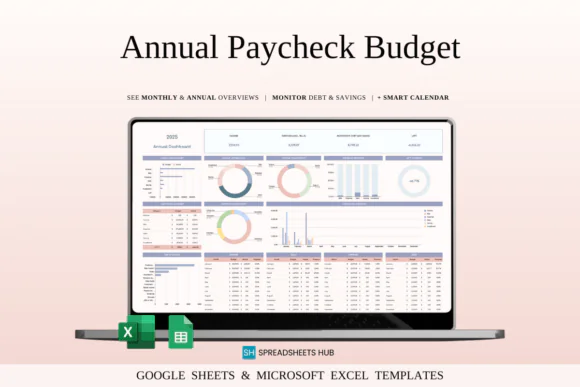
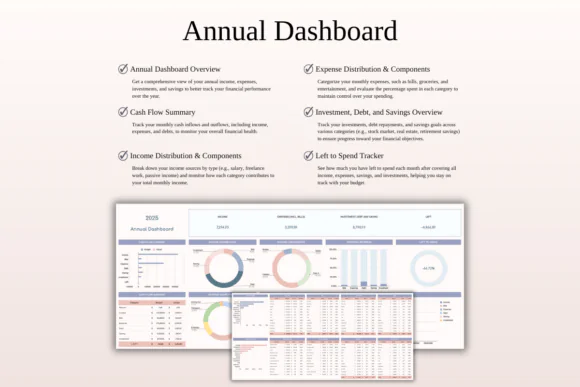
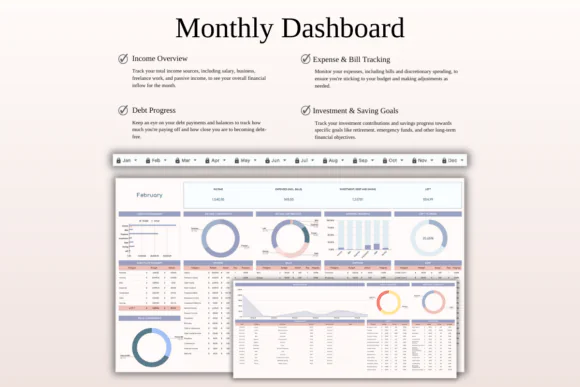
Plan your money for the entire year with this Annual Budget by Paycheck Spreadsheet Template for Excel and Google Sheets. This practical financial planning tool is designed to help you manage income, expenses, savings, debt, and future financial goals based on your paycheck schedule.
Whether you are paid weekly, bi-weekly, semi-monthly, or monthly, this template helps you organize your finances paycheck by paycheck while giving you a clear annual view of your money. It is perfect for salaried employees, freelancers, side hustlers, families, and anyone who wants to track income and expenses throughout the year.
Instead of only tracking what you spent this month, this spreadsheet helps you look ahead. You can plan for upcoming bills, debt payments, savings goals, big purchases, irregular income, bonuses, freelance earnings, and future expenses. With automated calculations and customizable categories, it gives you a simple but powerful way to build financial stability and stay organized year-round.
Compatible with both Microsoft Excel and Google Sheets, this annual paycheck budget planner is flexible, editable, and useful for both beginners and experienced budgeters.
What You Can Use This Spreadsheet For
Use this annual paycheck budget planner to:
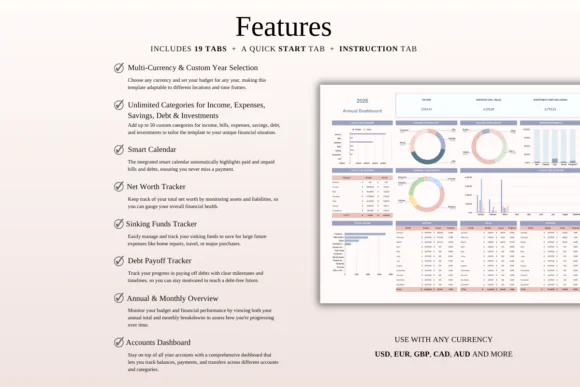
Key FeaturesAnnual Paycheck Budget Planning
Plan your entire year around your paycheck schedule. Whether you receive weekly, bi-weekly, or monthly income, this spreadsheet helps you manage each pay period clearly.
Income Tracking
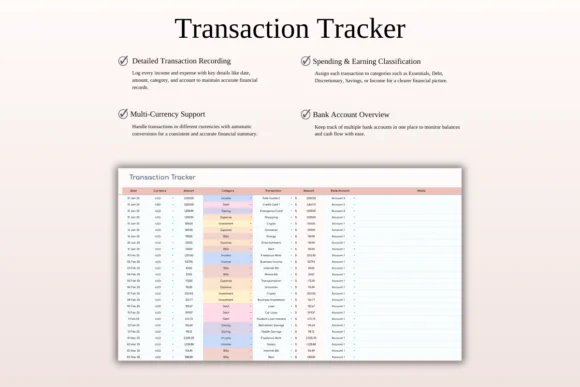
Record salary, freelance payments, bonuses, side hustle income, and additional income sources in one organized place.
Expense Organization
Categorize expenses such as housing, utilities, groceries, transportation, savings, debt payments, subscriptions, and discretionary spending for a clearer financial overview.
Debt Management Tracker
Track outstanding debts, repayment schedules, due amounts, payment progress, and financial priorities so you can stay focused on reducing debt.
Savings and Financial Goal Planning
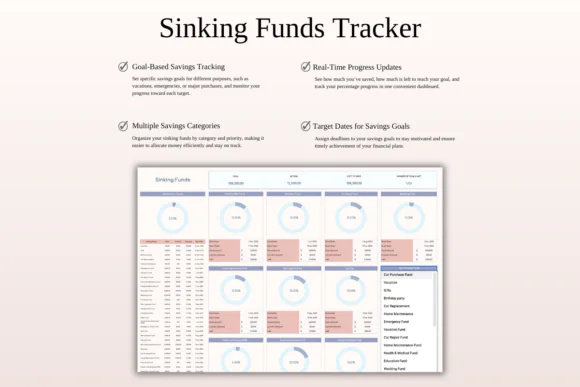
Plan savings goals, emergency funds, future purchases, annual expenses, and long-term financial priorities throughout the year.
Customizable Categories
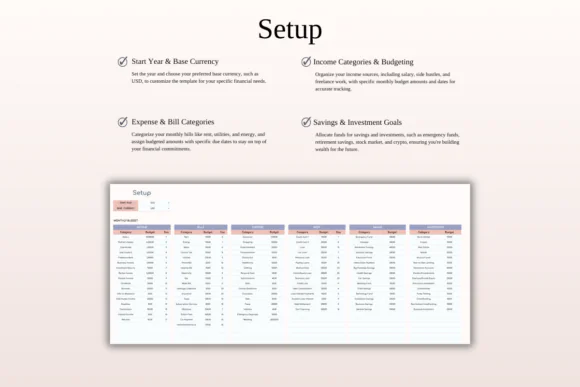
Edit income and expense categories to match your personal financial situation, lifestyle, household needs, or business income structure.
Automated Calculations
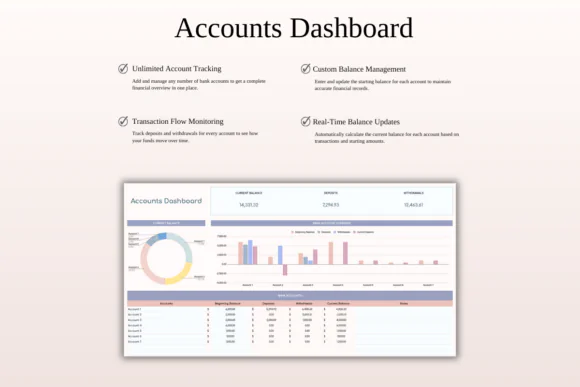
The spreadsheet automatically updates totals for income, expenses, savings, and remaining balances, reducing manual math and helping you avoid calculation mistakes.
Financial Planning and Forecasting
Gain a clearer view of future income and expenses so you can prepare for upcoming obligations, seasonal costs, big purchases, and financial goals.
Excel and Google Sheets Compatible
Use the template in Microsoft Excel or Google Sheets. It works on Mac, PC, tablets, and phones, though desktop or laptop use is recommended for easier editing.
What’s Included
You will receive:
Perfect For
This annual paycheck budget spreadsheet is ideal for:
Why You’ll Love This Annual Budget Planner
This template gives you more than a monthly budget. It helps you build a complete yearly money plan based on how and when you get paid. You can see your income, expenses, debt, and savings across the year, making it easier to prepare for future responsibilities instead of reacting at the last minute.
The paycheck-based structure makes budgeting more realistic because it connects your spending plan directly to your actual income schedule. With forecasting, automated totals, and flexible categories, this spreadsheet helps you stay organized, reduce financial stress, and make confident money decisions throughout the year.
How It Works
Important Notes
This is a digital download product. No physical item will be shipped.
You will need access to Google Sheets or Microsoft Excel to use this spreadsheet. A Google Account is required for Google Sheets, and Microsoft Excel software is required for the Excel version.
For the best editing experience, using a desktop or laptop is recommended.
Due to the nature of digital products, refunds may not be available after purchase.
Colors may appear slightly different depending on your screen, monitor, tablet, or phone display settings.
Published:
Apr 24, 2026 12:03 PM
Category:
Tags: