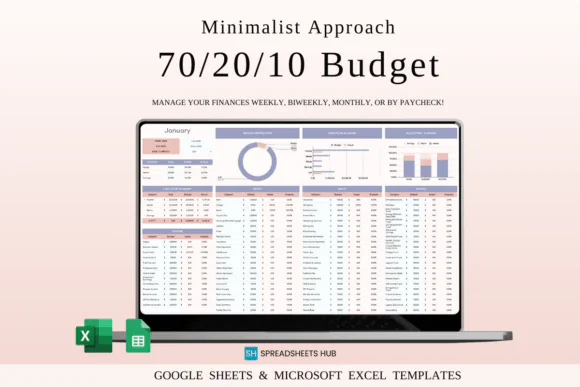
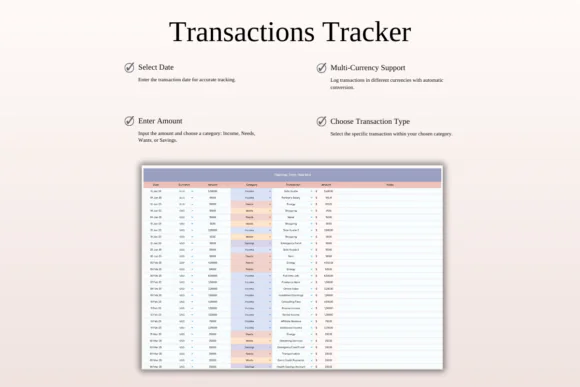
Manage your money with simplicity and confidence using this 70/20/10 Monthly Budget Spreadsheet for Excel and Google Sheets. This minimalist budgeting template is designed for anyone who wants a clear, stress-free way to organize income, essential expenses, lifestyle spending, and savings without complicated financial systems.
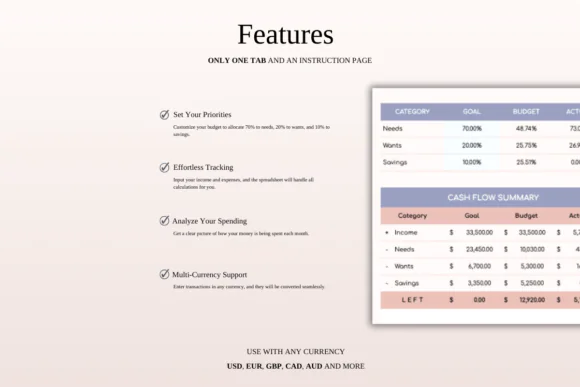
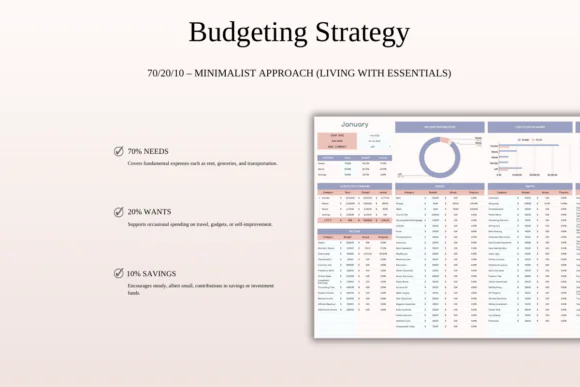
The 70/20/10 budgeting method divides your income into three simple categories: 70% for essentials, 20% for lifestyle and wants, and 10% for savings or investments. This structure helps you cover necessary expenses first, enjoy life within healthy limits, and build financial security through consistent saving.
This spreadsheet is ideal for individuals, students, families, beginners, minimalist budgeters, and anyone who wants to reduce unnecessary spending while still maintaining balance. Whether you are tracking rent, groceries, utilities, transportation, dining out, hobbies, self-improvement, emergency funds, retirement savings, or investments, this template gives you a practical system to stay organized.
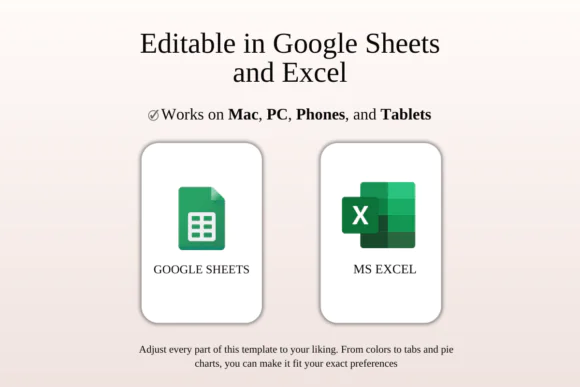
Compatible with both Microsoft Excel and Google Sheets, this budget planner is editable, beginner-friendly, and easy to use across devices.
What Is the 70/20/10 Budget Rule?
The 70/20/10 budget rule is a simple income allocation method that divides your money into three main categories:
70% Essentials – Necessary living expenses such as rent, mortgage, groceries, utilities, transportation, insurance, and basic monthly bills.
20% Lifestyle and Wants – Non-essential but meaningful spending such as entertainment, dining out, hobbies, shopping, travel, subscriptions, and self-improvement.
10% Savings and Investments – Money set aside for emergency funds, retirement savings, investments, future plans, or long-term financial security.
This method is useful for people who want a balanced budget that is simple to follow every month.
What You Can Use This Spreadsheet For
Use this 70/20/10 budget spreadsheet to:
Key Features70/20/10 Budget Structure
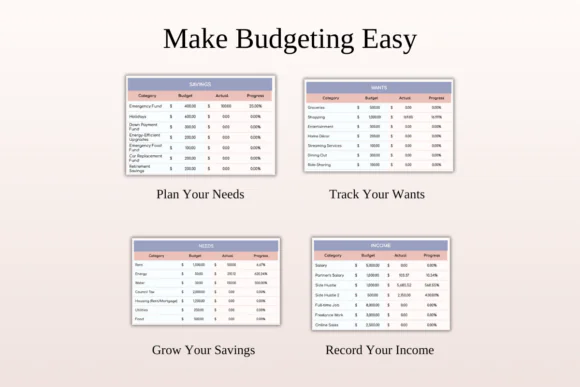
Divide your income into essentials, lifestyle spending, and savings using a simple percentage-based budget system.
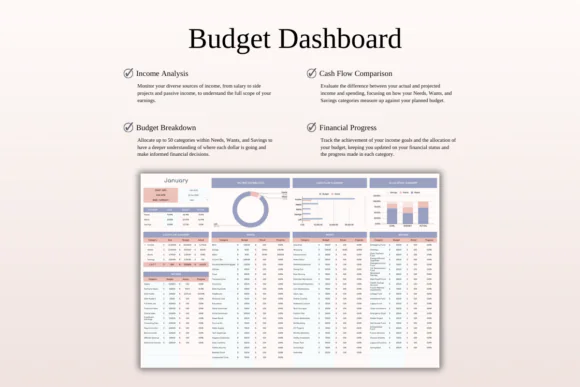
Essentials Tracker
Plan and track necessary living expenses such as housing, food, utilities, transportation, insurance, and other required monthly costs.
Lifestyle and Wants Tracker
Manage enjoyable spending like entertainment, hobbies, dining out, shopping, subscriptions, and self-improvement while staying within limits.
Savings and Investment Planner
Set aside 10% of your income for savings, emergency funds, retirement planning, investments, or future financial goals.
Minimalist Budgeting Layout
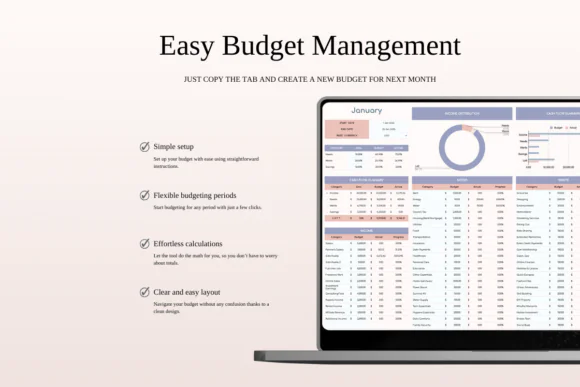
The template is designed to be simple, clean, and easy to follow, making it perfect for users who do not want complicated budgeting tools.
Flexible and Adaptable
Adjust categories, amounts, percentages, income sources, and budget sections to fit different income levels and financial goals.
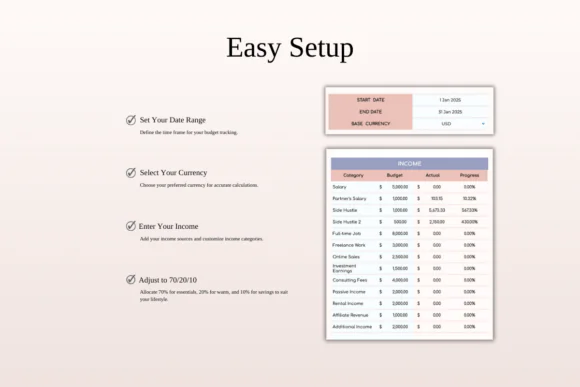
Beginner-Friendly Setup
Clear instructions make it easy to start budgeting, even if you are new to financial planning.
Excel and Google Sheets Compatible
Use the template in Microsoft Excel or Google Sheets across Mac, PC, phones, and tablets. For the best editing experience, desktop or laptop use is recommended.
What’s Included
You will receive:
Perfect For
This budget spreadsheet is ideal for:
Why You’ll Love This Budget Template
This spreadsheet keeps budgeting simple, practical, and realistic. It helps you focus on the essentials, enjoy lifestyle spending responsibly, and save consistently for the future.
The 70/20/10 method is easy to understand and maintain, making it ideal for people who want a clear monthly money plan without feeling restricted or overwhelmed. With editable categories and compatibility with Excel and Google Sheets, this template can easily fit your personal financial situation.
How It Works
Important Notes
This is a digital download product. No physical item will be shipped.
You will need access to Google Sheets or Microsoft Excel to use this template. A Google Account is required for Google Sheets, and Microsoft Excel software is required for the Excel version.
For the best editing experience, using a desktop or laptop is recommended.
Due to the nature of digital products, refunds may not be available after purchase.
Colors may appear slightly different depending on your screen, monitor, tablet, or phone display settings.
Published:
Apr 24, 2026 01:22 PM
Category:
Tags: